

Decide how content reaches the screen before you buy the screen. A beautiful display showing last month's promotion is a worse outcome than a modest display that updates itself.
SoC or external player
A system-on-chip display has the media player built into the panel, so there is no separate box, no extra power supply and no HDMI cable behind the wall. It is the simplest arrangement for a single screen or a small fleet, and it is usually the most reliable, because there are fewer parts to fail.
An external player is the better choice when the content is complex, when the same player must drive more than one screen, or when the organisation already standardises on a particular platform. In that case, plan the mounting: the player needs power, network and a serviceable position. Our digital signage range documents which models accept an internal or external player.
Wired, wireless or mobile network
Wired Ethernet is still the default for fixed installations, because it is the most reliable and the easiest to monitor. Run the cable during the fit-out, even if the screen will use Wi-Fi initially, because retrofitting a cable later costs many times more.
Wi-Fi is acceptable for a small number of screens with modest content, but it becomes unreliable in a busy public space where hundreds of devices compete for the same access points. If Wi-Fi is the only option, confirm the signal strength at the exact mounting position rather than at the door.
For screens where there is no fixed connection at all, a 4G or 5G router inside the enclosure solves the problem, provided the antenna has service at that location. Test it before you commit.
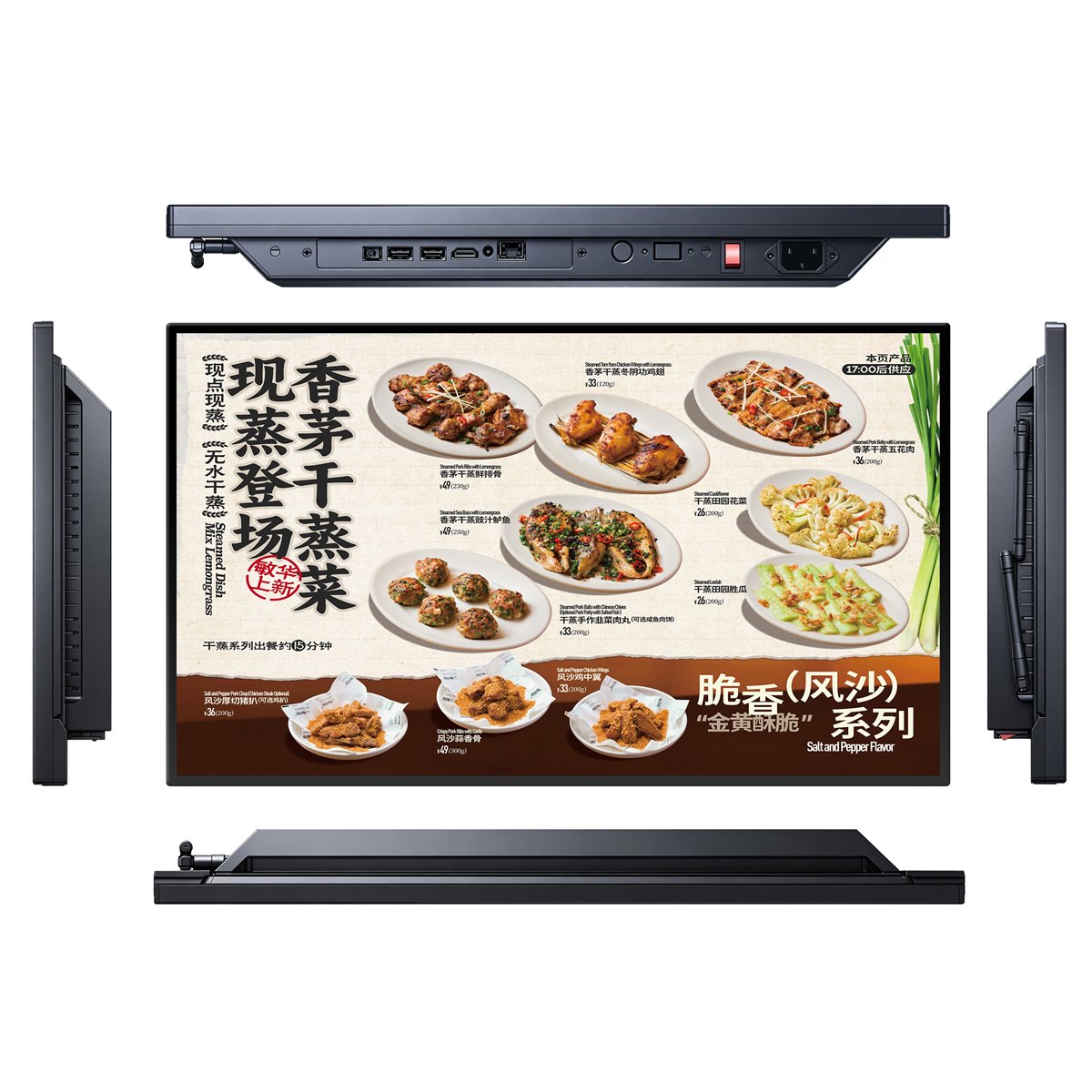
Offline playback as a safety net
Every professional signage device should be able to store its content locally and keep playing when the network fails. This is not a nice-to-have: it is the difference between a screen that shows today's promotion and a screen that shows a black rectangle.
Asynchronous offline loop playback, where the device loops stored media without any live connection, is sufficient for many retail and hospitality installations. Check the storage capacity and how the content is loaded, whether that is over the network, from a USB drive or from a mobile app.
Ask us before you specify.
Send us the room, the location or the content you plan to run. Our engineers will review it and come back with a practical recommendation — there is no charge for the assessment.
Scheduling and zoning
Scheduling matters more than most buyers expect. A restaurant shows a breakfast menu until eleven and a lunch menu after it. A transport hub changes its information density at peak hours. A retail window may need to be dimmer after dark.
Confirm that the system can schedule by date, by time and by day of week, and that several screens can be grouped so the same content is published once. If the layout uses several panels in one location, confirm that the system can address each screen individually.
Remote monitoring and up-time
Ask what happens when a screen goes offline. A good system reports the fault, the last successful contact and the reason where possible, and it does that to an operator rather than into a log file nobody reads.
For a fleet of more than about twenty screens, monitoring is worth paying for. The cost of one person driving to a site to discover that a power supply has failed is usually more than the annual licence for a system that would have reported it.
Security and access control
Signage networks are often connected to the corporate network, which makes them a security consideration rather than a marketing one. Put the screens on a separate VLAN, restrict outbound traffic to the content service, and disable any remote desktop or debugging service that is not required.
Define who can publish to which screen. A content management system that allows anyone with a login to change a screen in a public reception area is a reputational risk, not a convenience.
Choose a system that supports individual accounts, a publishing approval step and an audit trail of what changed and when.
A practical evaluation process
Ask three suppliers to demonstrate the same task: publish a scheduled piece of content to three screens, two of which are offline, and show the status of each. That single test reveals more than a feature matrix.
Then compare on the total cost of the licence, the storage, the player hardware and the support. When you have that, the decision is usually obvious. Our engineers can advise on the playback options for any display in our product catalogue.
Questions buyers ask us
These are the questions our engineers answer most often about this topic. If yours is not here, send it to us and we will answer it directly.
Should we choose a system-on-chip display or an external player?
System-on-chip is simpler, cheaper and has fewer parts to fail, which suits single screens and small fleets. Choose an external player when the content is complex, when one player drives several screens, or when you already standardise on a platform.
What happens when the network goes down?
A properly specified screen keeps playing its stored content. Confirm the local storage capacity, how content is loaded, and that the device resumes automatically when power or network returns.
How many screens before monitoring is worth it?
From roughly twenty screens upward, remote monitoring usually pays for itself, because one site visit to discover a failed power supply costs more than the annual licence.
Is signage a security risk?
It can be if the screens sit on the corporate network with open remote access. Put signage on a separate VLAN, restrict outbound traffic, disable unused services and require an approval step before content is published.
Need help choosing a platform?
Tell us how many screens you run and how often the content changes. We will recommend a playback and management arrangement that fits.