
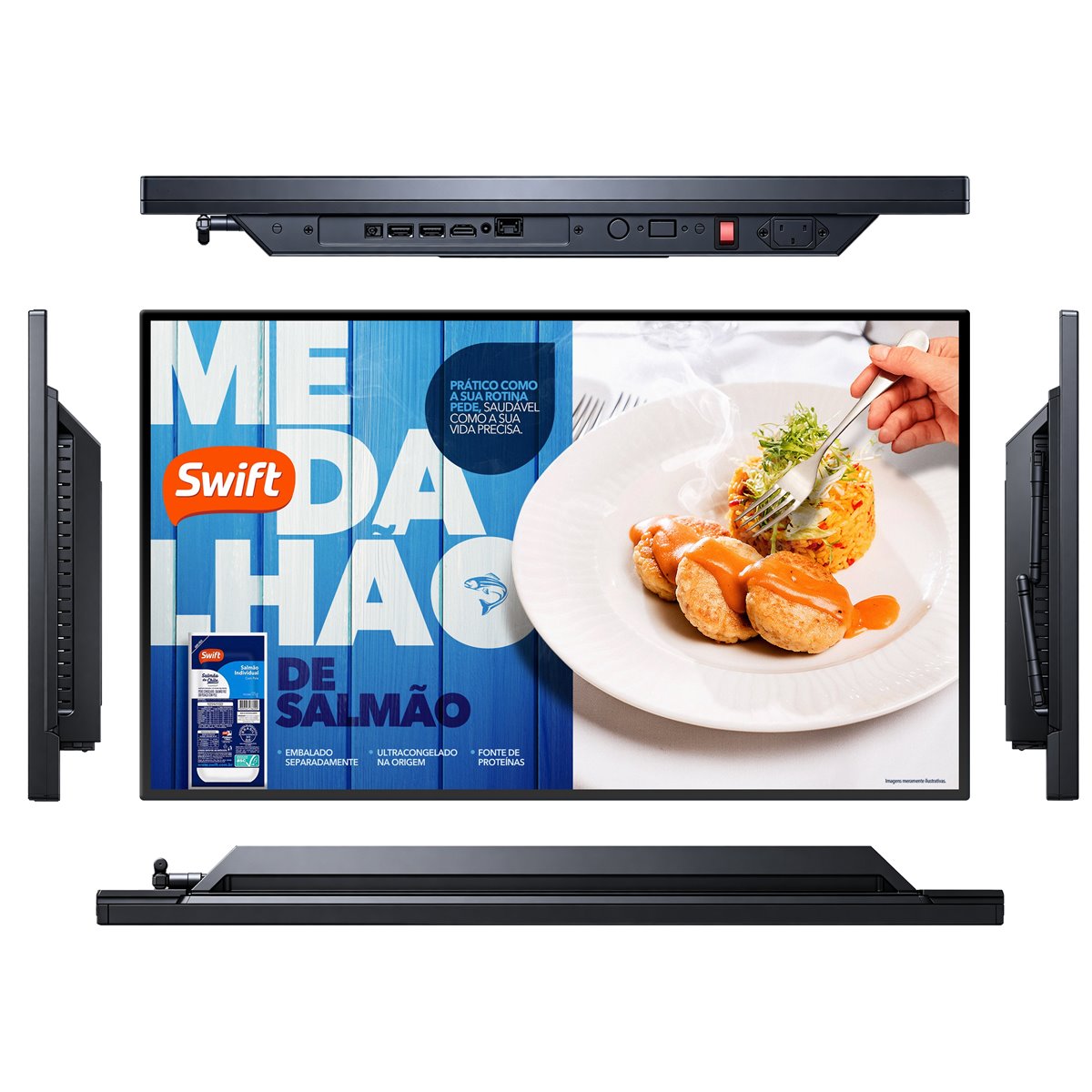
Choose the size from the viewing distance, choose the resolution from the content, and choose the pixel pitch from the closest viewer. Everything else follows.
Work backwards from viewing distance
The starting point is not the wall, it is the reader. A person walking past a shop window reads a headline from three to six metres. A person waiting in an airport queue reads a departure board from four to eight metres. A person in a hotel lobby may be ten metres away.
A useful working rule is that the screen height should be at least one tenth of the viewing distance for text-heavy content, and one fifteenth for simple imagery. A screen read from six metres therefore wants roughly a 600 mm image height, which is about a 55-inch panel in landscape.
Match resolution to content, not to the spec sheet
4K is now standard on 43-inch panels and above, but the panel is not always fed 4K content. If the source is a 1080p media player or a browser display, the panel will scale it and the extra pixels buy you little.
4K becomes genuinely valuable when the viewer is close enough to see the detail, when the screen is very large, or when several content zones are laid out side by side. For a menu board read at two metres, 4K at 43 or 50 inches is worthwhile. For a roadside banner read at twenty metres, resolution is nearly irrelevant and brightness matters far more.
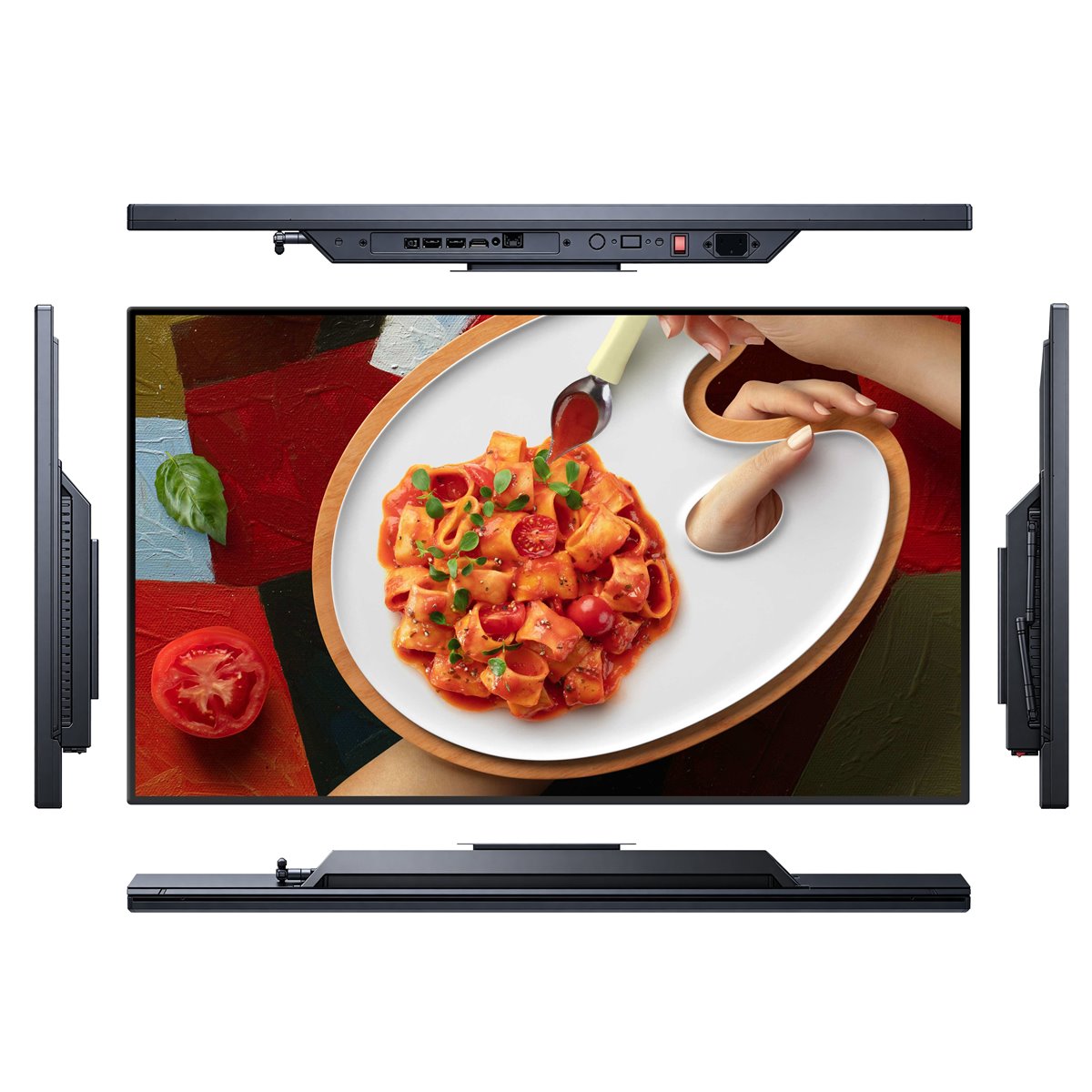
Portrait or landscape
Landscape suits menus, schedules, video and multi-zone layouts. Portrait suits wayfinding, product catalogues, fashion imagery and anything that mimics a poster. The enclosure, the mounting bracket and the internal cooling all have to be specified for the orientation you intend.
Many commercial panels are rated for both orientations, but a consumer television used vertically will often overheat, because the thermal design assumed a horizontal airflow path. Confirm the rated orientation in writing. Our digital signage range documents both landscape and portrait models.
Ask us before you specify.
Send us the room, the location or the content you plan to run. Our engineers will review it and come back with a practical recommendation — there is no charge for the assessment.
Pixel pitch, bezels and tiling
If the design uses several panels side by side, the bezel width becomes the critical specification. A 3.5 mm bezel across a three-by-three video wall creates a visible grid; a 0.9 mm bezel nearly disappears. Calculate the total bezel intrusion before approving the layout.
For an LED wall the equivalent specification is pixel pitch, and the rule is that the viewer should be at least one metre away for every millimetre of pitch. A 2.5 mm pitch wall therefore wants viewers no closer than about 2.5 metres.
Brightness and the environment
Indoor signage in a shaded corridor can work at 350 to 500 nits. A lobby with glass on two sides usually needs 700 to 1,000 nits, and anything behind glass facing daylight moves into the high-brightness range of 1,500 nits and above.
Brightness and heat are directly linked. Buying more brightness than the location needs increases power consumption, shortens panel life and may require active cooling that adds noise and maintenance.
Mounting, service access and cable routing
Decide early whether the panel is wall mounted, recessed, suspended or on a floor stand. A flush wall mount looks best but makes servicing difficult unless the bracket is articulated or the panel can be released from the front.
Leave a documented path for power and network. A screen that cannot be reached without scaffolding is a screen that will stay broken for weeks.
Content legibility is part of the specification
Specify a minimum text height in millimetres rather than a font size in points. As a working figure, the cap height of body text should be at least 1 mm for every metre of viewing distance, and headlines roughly three times that.
Keep the colour palette to three or four values with strong contrast, and avoid white backgrounds on high-brightness panels, because a full-white screen at 2,500 nits is uncomfortable to read and consumes maximum power.
A short specification checklist
Confirm the viewing distance and the closest viewer. Confirm the orientation. Confirm the ambient light level at the screen face, including any glass. Confirm the number of panels and the acceptable bezel. Confirm the service access method. Then compare quotations on the underlying panel brand, the panel life rating and the warranty terms, not only on the diagonal size.
If you send us the floor plan and the content you intend to run, we will come back with a size, orientation and brightness recommendation for the specific location. Our digital signage catalogue covers floor-standing, wall-mounted and building displays from 21.45 to 98 inches.
Questions buyers ask us
These are the questions our engineers answer most often about this topic. If yours is not here, send it to us and we will answer it directly.
Is 4K worth it for a digital signage screen?
It depends on the closest viewer and the content. For a screen read from one or two metres, 4K is clearly better. For a banner read from ten metres or more, a well-specified 1080p panel is often indistinguishable and considerably cheaper.
How close can people stand before the pixels become visible?
Measure the pixel pitch in millimetres and treat that number as metres of minimum viewing distance. A 1.5 mm pitch wall is acceptable from about 1.5 metres, a 4 mm pitch wall from about four metres.
Can we use a consumer television instead?
For a screen that runs eight hours a day, no. Commercial panels are built for continuous duty, portrait orientation and higher ambient light, and they include the mounting points and the control interfaces that installations need.
What brightness do we need in a shopping centre?
A mall concourse is usually 700 to 1,000 nits, because the atrium daylight raises the ambient level even indoors. A shop window facing the street is a different problem and usually needs 1,500 nits or more.
Send us your floor plan
Tell us the viewing distance and what will be on screen. We will recommend the size, orientation, brightness and enclosure for the location.