
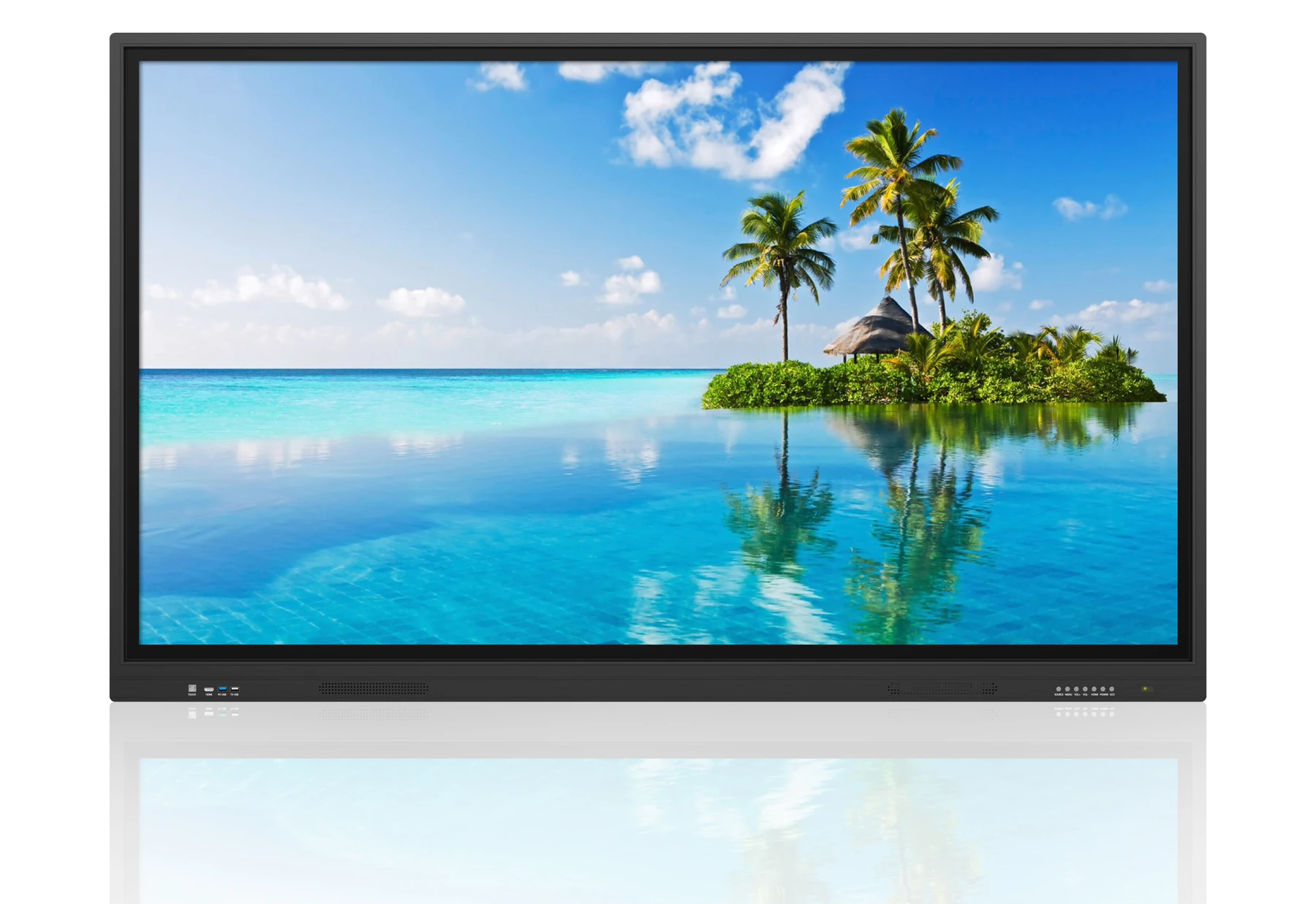
The names overlap because the technology converged. A projector-based board and a modern touch panel solve the same problem in completely different ways, and the difference shows up in running cost, image quality and maintenance.
Three names, two technologies
An interactive whiteboard originally meant a rigid board connected to a ceiling projector, with a pen or finger sensing layer on the board surface. The projector did the displaying; the board only detected touch.
An interactive flat panel replaces the board and the projector with a single LCD panel that both displays and senses touch. A smart board is a brand-derived term that has become generic, and today it usually refers to a flat panel as well.
The practical consequence is that a quotation for an interactive whiteboard may describe either technology. Always ask whether the display is projected or an integrated LCD panel before comparing prices.
Where projector-based boards still make sense
A projector and board can be the cheaper option for a very large room where the image must span a wide wall, and it can be upgraded in stages. It also has a lower initial cost per square metre of image.
Against that, a projector needs lamp or laser maintenance, the room must be dimmed for good contrast, the presenter casts a shadow when standing at the board, and the image quality degrades as ambient light rises. For a classroom used during the day, these are significant drawbacks.
What an interactive flat panel adds
An integrated panel is readable in normal room lighting, needs no warm-up, has no lamp to replace, and does not put a projector on the ceiling where it collects dust and needs servicing. The touch surface sits directly on the image, so handwriting is accurate across the whole screen.
The panel also usually carries the audio, the video-conferencing input and the embedded computer. That consolidation is why a room that previously needed five devices can be fitted out with one interactive flat panel and a wall bracket.
Ask us before you specify.
Send us the room, the location or the content you plan to run. Our engineers will review it and come back with a practical recommendation — there is no charge for the assessment.
Classroom requirements
Education buyers should prioritise durability, a wide viewing angle, anti-glare treatment for rooms with windows, and software that teachers can learn in an afternoon. Pen latency matters more than the maximum resolution, because writing is the primary use.
Consider the height of the youngest users. A panel mounted for a standing adult is uncomfortable for a child, and a height-adjustable trolley is often better than a fixed wall position. Our education interactive panels are commonly specified with mobile stands for this reason.
Meeting room requirements
In an office, the panel is usually a presentation and video-conferencing surface rather than a writing board. Prioritise wireless casting that works without installing software on the visitor laptop, a clean cable route, and a camera and microphone solution that does not rely on the ceiling.
Windows compatibility matters more here than in a classroom, because finance, design and engineering teams tend to run desktop software. Specify a dual-system panel with an OPS slot.
Comparing cost, life and maintenance
Compare on a ten-year basis. A projector board needs lamp or laser modules, filters, ceiling access and eventually a new projector. A flat panel has no consumable parts and typically a 30,000 to 50,000 hour panel life.
The panel is also less disruptive to install, because it does not require a ceiling mount, a cable run to the ceiling or dimming control. In retrofit projects that difference alone can offset much of the price gap.
How to write an unambiguous specification
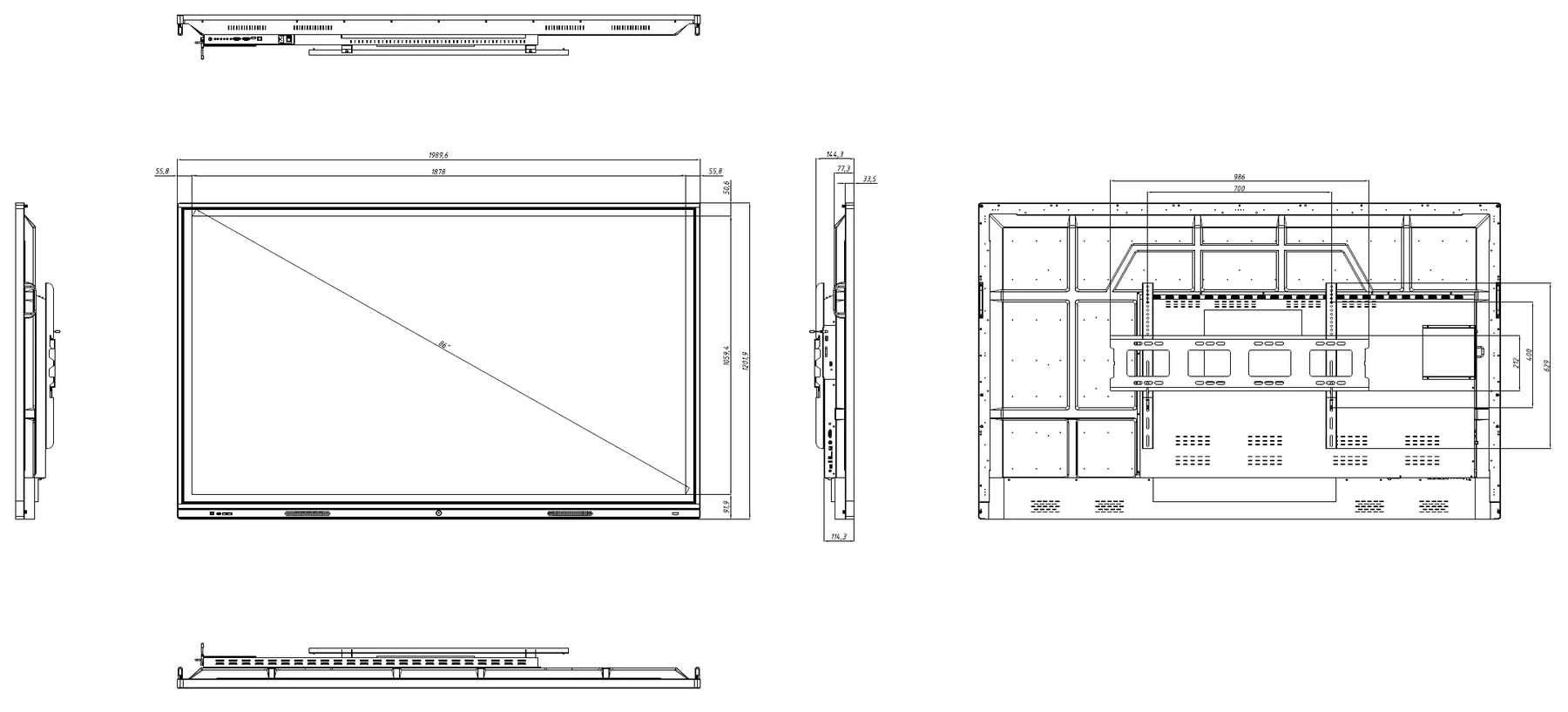
State the display technology explicitly. Give the diagonal size and the required resolution. List the operating system or systems. Specify the touch points and the bonding method. List the inputs, including USB touch pass-through. State the mounting method and the warranty period.
When the specification is written that way, quotations become directly comparable and you avoid the situation where two suppliers are quoting for genuinely different products under the same generic name.
Final thoughts
The terminology will keep blurring, because buyers search by habit rather than by technology. The safe approach is to decide what the room must do, then specify the hardware that does it, then verify the wording of the quotation before signing.
If you are unsure which of the two technologies suits a particular room, our engineers can review the plans and give you a straight answer, including when a projector genuinely is the better answer.
Questions buyers ask us
These are the questions our engineers answer most often about this topic. If yours is not here, send it to us and we will answer it directly.
Is an interactive flat panel the same as a smart board?
In practice yes. Smart Board was a brand name that became a generic term, and today it almost always refers to an integrated touch panel rather than a projector-based board. When you request a quotation, describe the technology rather than the name.
Which is cheaper to run over ten years?
The flat panel is almost always cheaper. It has no lamp, no filter and no ceiling projector to service, and it consumes a fraction of the power of a projector of comparable image size. The purchase price is higher, but the running cost is lower.
Can we keep our existing projector board?
You can, and in a very large hall where the image must span a wide wall it may still be the sensible answer. In an ordinary classroom or meeting room the flat panel wins on image quality, maintenance and usability.
What should we write in the tender document?
State the display technology, the diagonal size, the resolution, the operating system, the number of touch points, the bonding method, the inputs including USB touch pass-through, the mounting method and the warranty period. Leave nothing to interpretation.
Not sure which technology fits?
Send us the room plan and how the space is used. We will tell you whether a flat panel or a projected board is the better engineering answer.