
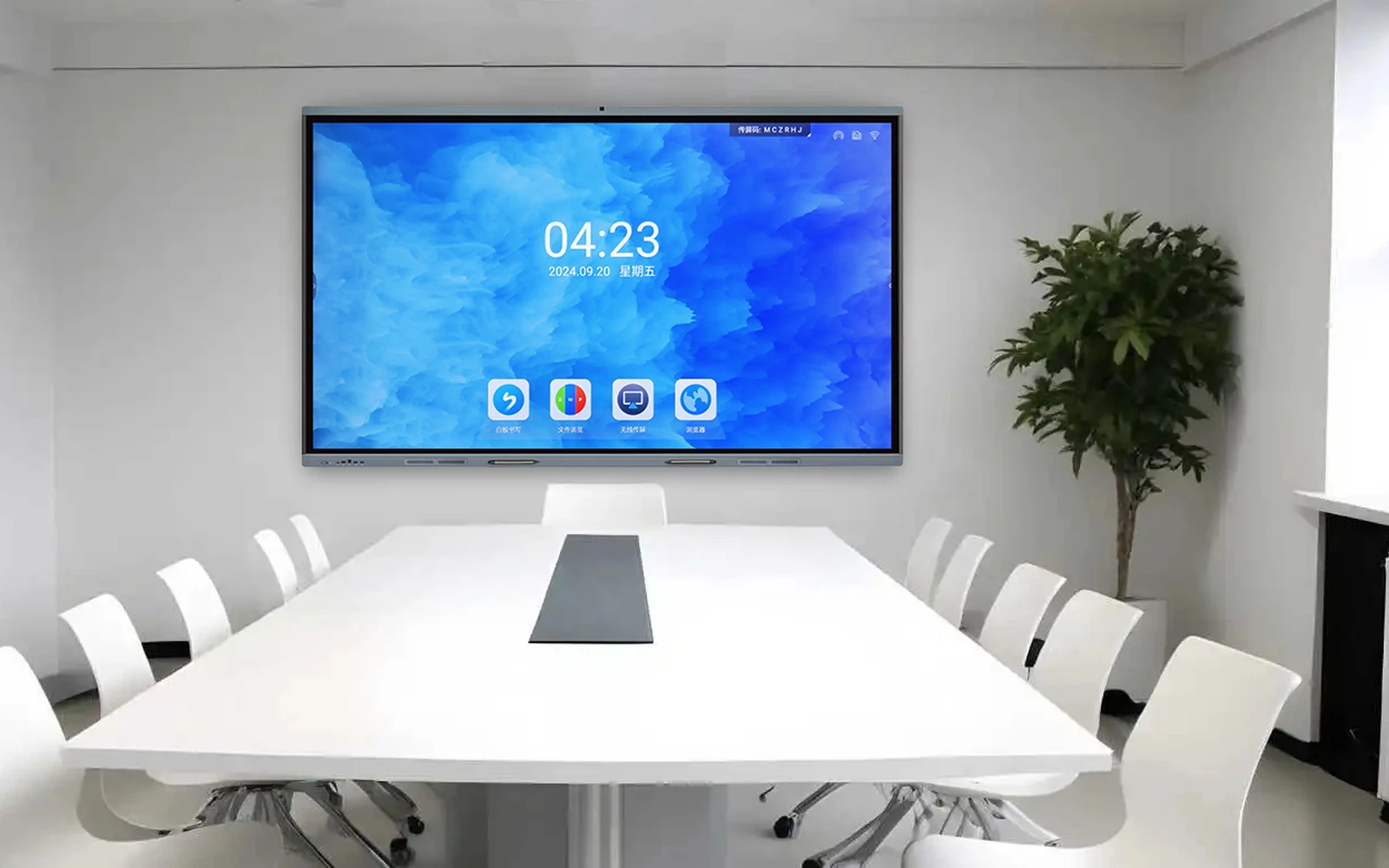
Choose the room first, the size second, the operating system third. Everything else on the specification sheet is a detail you can negotiate once those three are settled.
What an interactive flat panel actually is
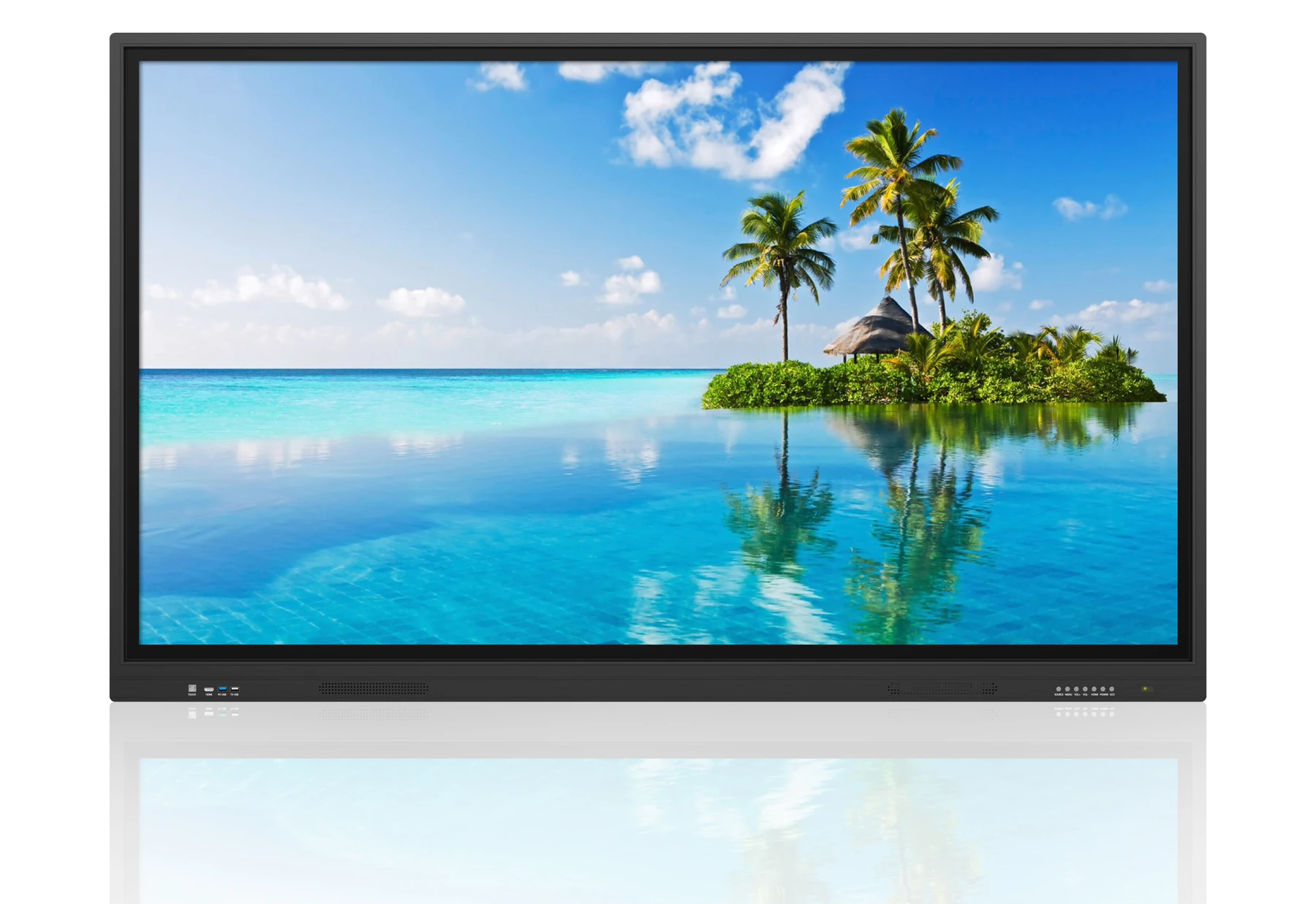
An interactive flat panel combines a commercial LCD panel, a touch layer, a built-in computer or two, speakers and collaboration software in one chassis. It replaces the projector, the whiteboard, the speakers and the video-conferencing PC that used to sit in the same room as separate devices.
That integration is the real product. Buyers who compare only the panel specification between two suppliers often miss that the touch bonded layer, the OPS slot, the speaker output and the warranty terms differ far more than the resolution does. Our interactive flat panel range lists the full specification for every size so this comparison is straightforward.
Start with the room, not the screen
The single most common buying mistake is choosing the largest screen the budget allows. Seating layout, ceiling height, the distance from the back row to the screen and whether the room is used for teaching or for hybrid meetings all constrain the right answer.
A huddle room of four to six people works well with a 65-inch panel. A standard boardroom of eight to twelve people usually wants 75 to 86 inches. A classroom or lecture space often needs 86 inches or more, and may need two panels rather than one very large one so that both halves of the room have a usable viewing angle.
As a rule of thumb, the farthest viewer should sit no more than four to six times the screen height away from the panel. Beyond that the on-screen text in a spreadsheet or a shared document stops being legible, and the panel gets used as a monitor rather than as a collaboration surface.
Touch technology: infrared, capacitive or bonded infrared
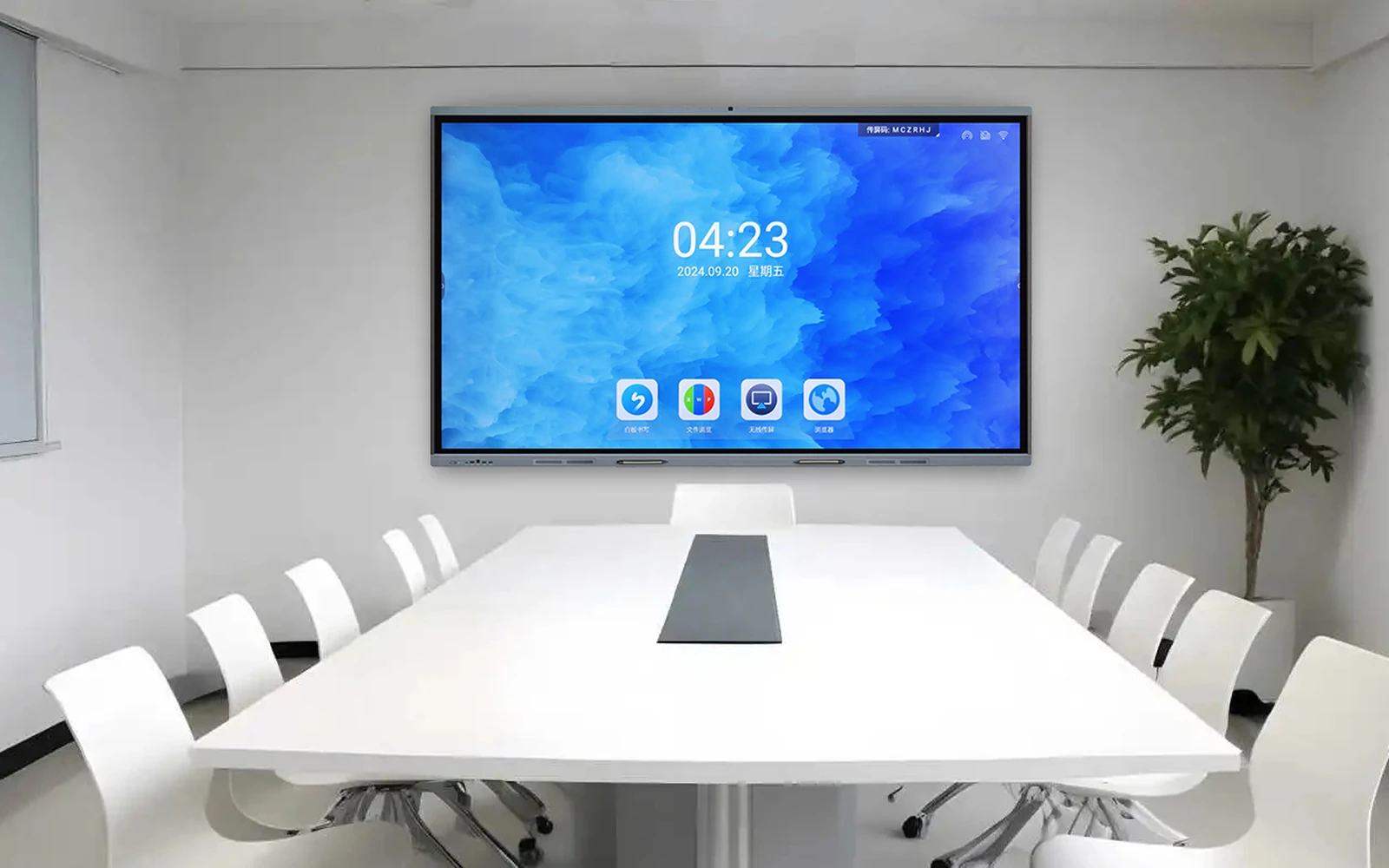
Most large interactive panels use infrared touch because it scales economically to 86 inches and beyond, works with a finger, a stylus or a gloved hand, and survives classroom use. The trade-off is that a conventional infrared frame sits slightly proud of the glass.
Zero-bonded and optically bonded panels reduce the air gap between the glass and the LCD, which cuts internal reflections and makes handwriting feel closer to the pen tip. If the panel will be used for annotation and drawing rather than as a video wall, the bonding method is worth paying for.
Check the number of simultaneous touch points and, more importantly, how the panel behaves when four or more people write at once. Twenty-point touch is a specification; consistent tracking under four hands is the experience.
Ask us before you specify.
Send us the room, the location or the content you plan to run. Our engineers will review it and come back with a practical recommendation — there is no charge for the assessment.
Android, Windows, or both
A dual-system panel boots into Android for everyday annotation, screen sharing and media playback, and switches to an embedded Windows PC module for full desktop software. Most education and meeting room buyers now choose dual-system because it avoids adding a separate PC to every room.
If your organisation runs software that only exists on Windows, confirm the panel has an OPS slot with enough thermal headroom for the module you intend to fit. A thin panel with a sealed chassis and a high-power PC module is a reliability problem waiting to happen.
If your organisation runs everything in a browser, a well-specified Android panel is usually simpler to manage and cheaper to own.
Display quality beyond resolution
4K is now standard at 65 inches and above, so resolution alone no longer differentiates products. Look instead at panel brightness, the anti-glare treatment, the contrast ratio and the colour consistency across the screen.
A 350 to 450 nit panel with a good anti-glare coating is more comfortable in a bright room than a 500 nit panel with a mirror finish, because the reflected window is what the audience actually notices. For rooms with a wall of glass, ask specifically about haze and gloss values.
Connectivity, casting and bring-your-own-device
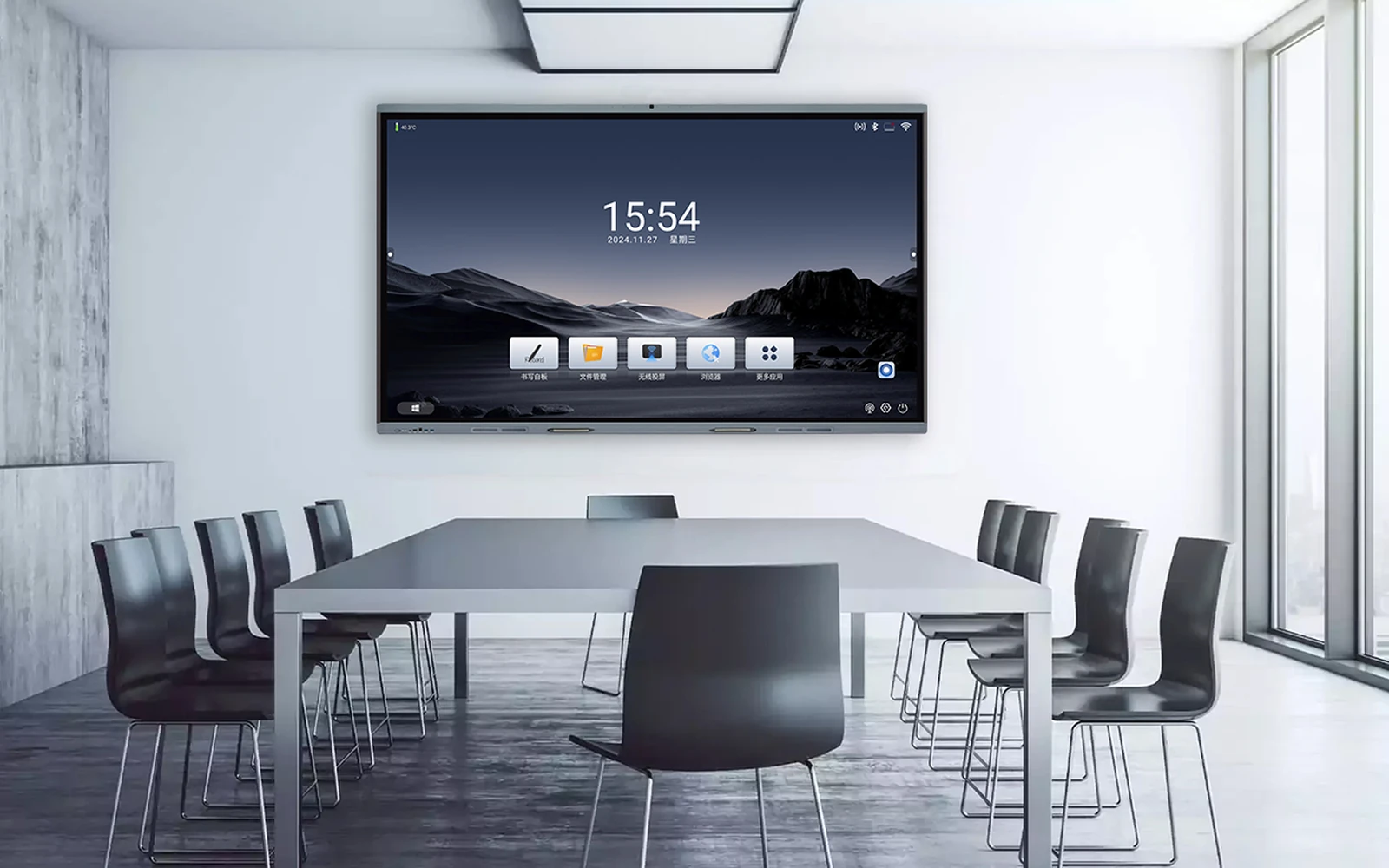
Meeting rooms live or die on how quickly a visitor can put their laptop on the screen. Wireless casting built into the panel, without a dongle and without joining a corporate network, removes the single biggest source of friction.
Count the HDMI inputs you actually need. A room with a lectern PC, a room PC, a visitor laptop and a camera may want four. Also confirm you have USB touch pass-through on the inputs you use most, otherwise the touch function will not follow the laptop.
Total cost of ownership, not purchase price
The purchase price is roughly half of the ten-year cost. Add installation, wall mounting or a mobile stand, the OPS module, extended warranty, and the labour cost of servicing a panel that has to be taken off the wall.
Ask suppliers what happens at year six. Panels designed for commercial use with replaceable power boards, accessible mainboards and a documented spare-parts list are far cheaper to keep running than sealed consumer-grade units.
For projects with a fleet of rooms, ask about batch delivery, consistent firmware versions and whether the supplier can hold spares locally. Our H-series interactive display library documents the mechanical and electrical details procurement teams need for this comparison.
A practical selection checklist
Write down the room capacity and the farthest viewing distance. Confirm the required operating system and the software it must run. Count the input devices that will be connected. Decide whether the panel is wall mounted, on a mobile stand or on a height-adjustable trolley. Measure the doorway and the lift, because an 86-inch panel will not fit through a standard office door on its side.
Then confirm the support terms: response time, spare-parts availability and whether firmware updates are provided free of charge. When you have those answers, comparing quotations becomes an engineering exercise rather than a guess.
If you would like a second opinion on a room you are specifying, send us the dimensions and the intended use through our contact page and we will suggest two or three configurations.
Perguntas que os compradores nos fazem
These are the questions our engineers answer most often about this topic. If yours is not here, send it to us and we will answer it directly.
What size interactive flat panel do we need for twelve people?
For a boardroom seating eight to twelve people, 75 inches is the comfortable default and 86 inches is better if the room is long or the content is detailed. Sit in the back row, open a typical spreadsheet and check whether you can read it. If you cannot, go one size up.
Do we need Windows as well as Android?
Only if your team runs desktop software that has no browser equivalent. Most meeting rooms use a browser, a whiteboard and screen sharing, all of which work on Android. Add an OPS Windows module when finance, design or engineering needs a full desktop application.
How long should an interactive panel last?
Commercial panels are typically rated for 30,000 to 50,000 hours of panel life, which is ten years or more in a meeting room used a few hours a day. The mainboard, the power supply and the touch layer are the parts that fail first, so confirm that all three are replaceable.
Can we install the panel ourselves?
Panels from 65 inches upward are heavy enough that two people should not lift them onto a wall bracket without a lifting aid. Budget for professional installation, and check that the doorway, the lift and the corridor can take the panel on its side.
Talk to an AV engineer
Send us your room dimensions, seating layout and the software you need to run. We will recommend two or three configurations with the reasoning behind each.