
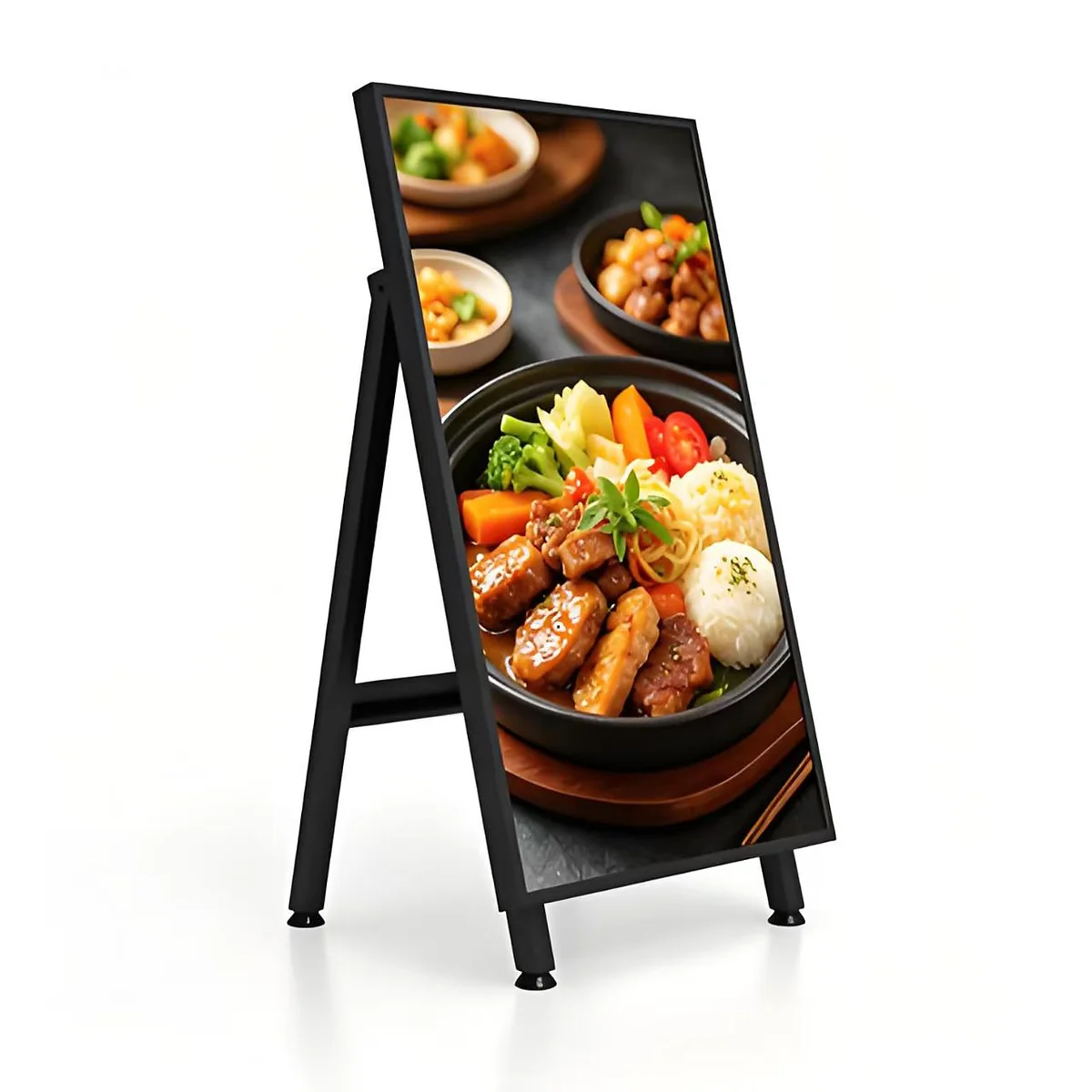
A display that looks perfect indoors can turn into a dark mirror the moment sunlight hits it. Specifying a high brightness display is not simply about buying the highest nit number on a datasheet — it is about matching peak brightness, glass treatment, contrast and thermal design to the real lighting environment. This guide walks through the decisions that decide whether a screen stays readable at noon or washes out completely.
Start from ambient light, not from the spec sheet
Readability is a ratio. A screen only needs to be brighter than the light reflecting off its surface. Indoor retail spaces sit around 300–500 lux, a bright shop window can reach 5,000–10,000 lux, and direct summer sun easily exceeds 50,000 lux. The more ambient light that reaches the panel, the more output you need to overcome the reflected glare.
A practical starting point:
- Standard indoor signage: 350–500 nits
- Bright indoor / semi-outdoor (atria, mall walkways): 700–1,500 nits
- Window-facing and storefront displays: 1,500–2,500 nits
- Partial sun / canopy-protected outdoor: 2,500–3,000 nits
- Full direct-sun outdoor signage: 3,000–5,000 nits with optical bonding
These are ranges, not guarantees — glass orientation and geography move the requirement up or down by hundreds of nits.
Window-facing screens are the hardest middle case
A screen placed a metre behind a storefront glass is exposed to strong indirect sun but is rarely fully weather-sealed. This is the most common place buyers under-specify. Light bounces off the glass and off the screen surface, so even a 700-nit panel can look faded on a sunny afternoon. For window deployments we generally recommend 1,800–2,500 nits together with anti-reflective or AG-treated glass. TANGSHI's MiniLED high-brightness series reaches 1,800 nits peak and is built for exactly these shop-window, showroom and lift-lobby environments.
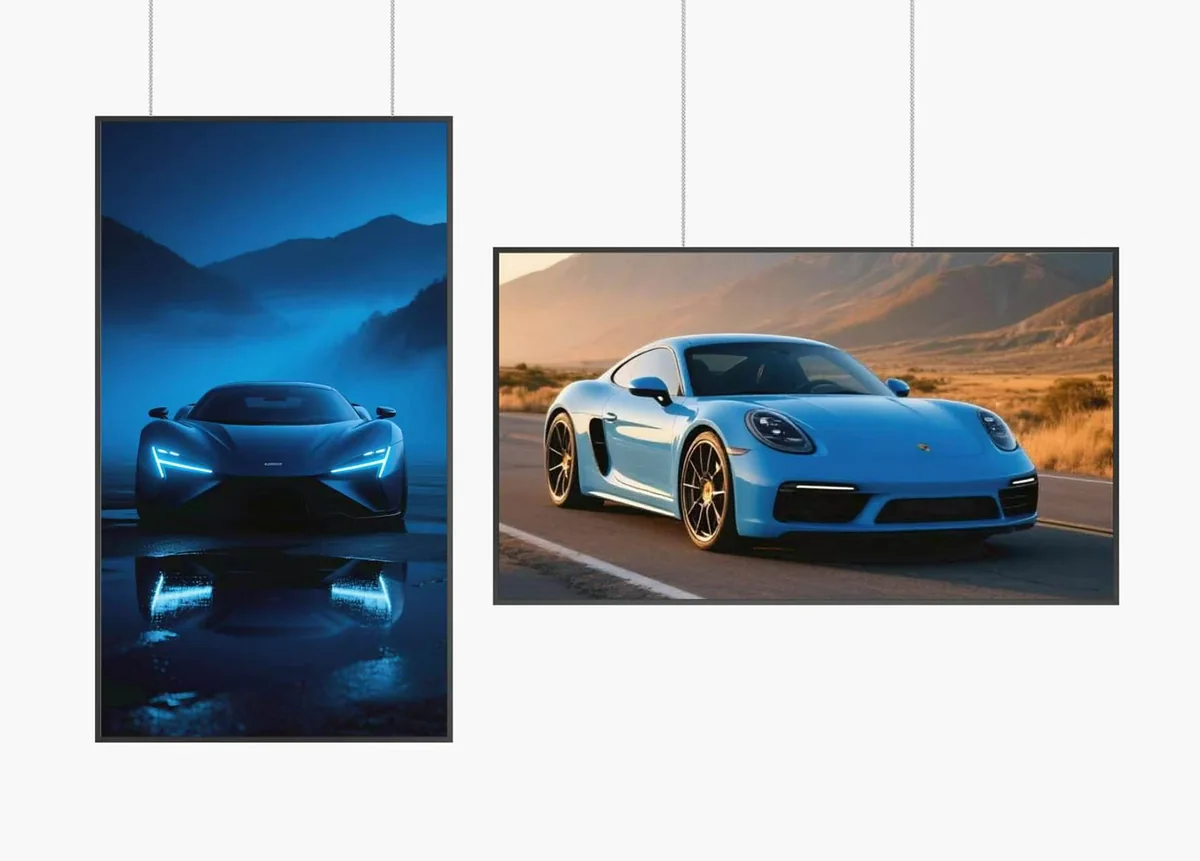
Nits are not the whole picture: contrast and black level
Two panels with identical nit ratings can look very different. A display with weak contrast raises its black floor under sunlight, so dark content appears grey and washed out. High local contrast keeps images crisp even when brightness alone cannot overpower the sun. This is the core advantage of mini-LED backlighting, which combines high peak output with much deeper blacks and a dynamic contrast far above edge-lit LCD. When comparing products, ask for both peak brightness and contrast ratio rather than accepting a single headline number.
Ask us before you specify.
Send the installation environment, viewing distance and content plan. Our engineers will review the requirements and recommend a practical configuration.
Glass and bonding change the effective brightness
The front glass determines how much sunlight reflects straight back at the viewer. Three options dominate:
- Standard glass — lowest cost, acceptable indoors, but mirror-like in sunlight.
- Anti-glare (AG) glass — diffuses reflections; a good balance for windows and semi-outdoor use.
- Optical bonding — eliminates the air gap between glass and panel, cutting internal reflection and condensation; required for serious full-sun outdoor screens.
A bonded 2,500-nit screen can outperform an unbonded 3,500-nit screen in direct sun, so treat glass as part of the brightness budget, not an afterthought.
Heat is the hidden cost of brightness
Pushing 3,000+ nits generates real heat, and heat is what shortens backlight life, dims the panel over time and triggers thermal shutdown in summer. A credible high brightness display should show how it dissipates that heat — wide-temperature components, fanless thermal architecture where possible, vented or air-conditioned enclosure design, and brightness sensors that dim the panel when full output is not needed. Auto-dimming saves power and extends lifespan while keeping the screen compliant with night-time light regulations.
A five-point specification checklist
Before ordering, confirm:
- Measured peak brightness at the screen surface, not a marketing figure.
- Real installation light levels — visit the site at the brightest hour.
- Glass type — AG, AR or optical bonding matched to sun exposure.
- Contrast and backlight technology — mini-LED or high-contrast panel for windows.
- Thermal rating and cooling — operating temperature range, auto-dimming, enclosure airflow.
Viewing distance and resolution matter alongside brightness
A bright screen still fails if the content cannot be read from the decision distance. Resolution should be specified against the closest typical viewer, not the farthest: up close, a 1080p panel on a 65 inch screen shows visible pixel structure, which is why high-brightness flagships are increasingly 4K UHD. As a rule of thumb, digital signage viewed within 2–3 metres benefits from 4K on sizes 55 inch and above; beyond about 5 metres, the eye rarely resolves the difference and a bright, high-contrast 1080p panel is the more rational spend. Pair this with content designed for the layout — large type, short messages, high-contrast branding — because no amount of nits rescues a slide designed for A4 paper.
Also consider how brightness is measured. Datasheets quote either typical (sustained) or peak brightness; window-facing screens spend most of their day at sustained output, so ask for the typical figure across the panel, not a peak achieved on a small test window. Check uniformity too: a screen that hits 2,500 nits in the centre but dims at the corners still looks weak in sunlight.
Common mistakes to avoid
Buyers repeatedly make the same three errors. First, judging brightness in a showroom rather than measuring or observing the actual site — always evaluate at the brightest hour, with the screen showing real content. Second, ignoring reflected glare from surrounding glass and light-coloured walls, which effectively raises the brightness requirement. Third, buying high nits without the cooling and auto-dimming to support it, which trades readability today for a dimmer, shorter-lived screen tomorrow.
Get the configuration matched to your site
Brightness bought without reference to the site is money wasted either way — too dim and nobody reads the screen, too bright and you overpay for power and cooling. TANGSHI builds MiniLED high-brightness signage from 43 to 86 inches as well as fully weather-sealed outdoor displays, with OEM/ODM chassis and glass options for global projects. Tell us the mounting position, orientation to the sun and viewing distance, and our engineers will come back with a practical brightness and glass recommendation.
Explore the MiniLED high-brightness series · Request a project quote
Get the brightness matched to your site
Tell us the mounting position, orientation to the sun and nearest viewing distance. We will recommend the brightness, glass and cooling combination for that position.