Better display decisions start here.

Plain-language guides for buyers, integrators and product teams choosing commercial display hardware.

12 guidespractical buying guides for commercial display projects
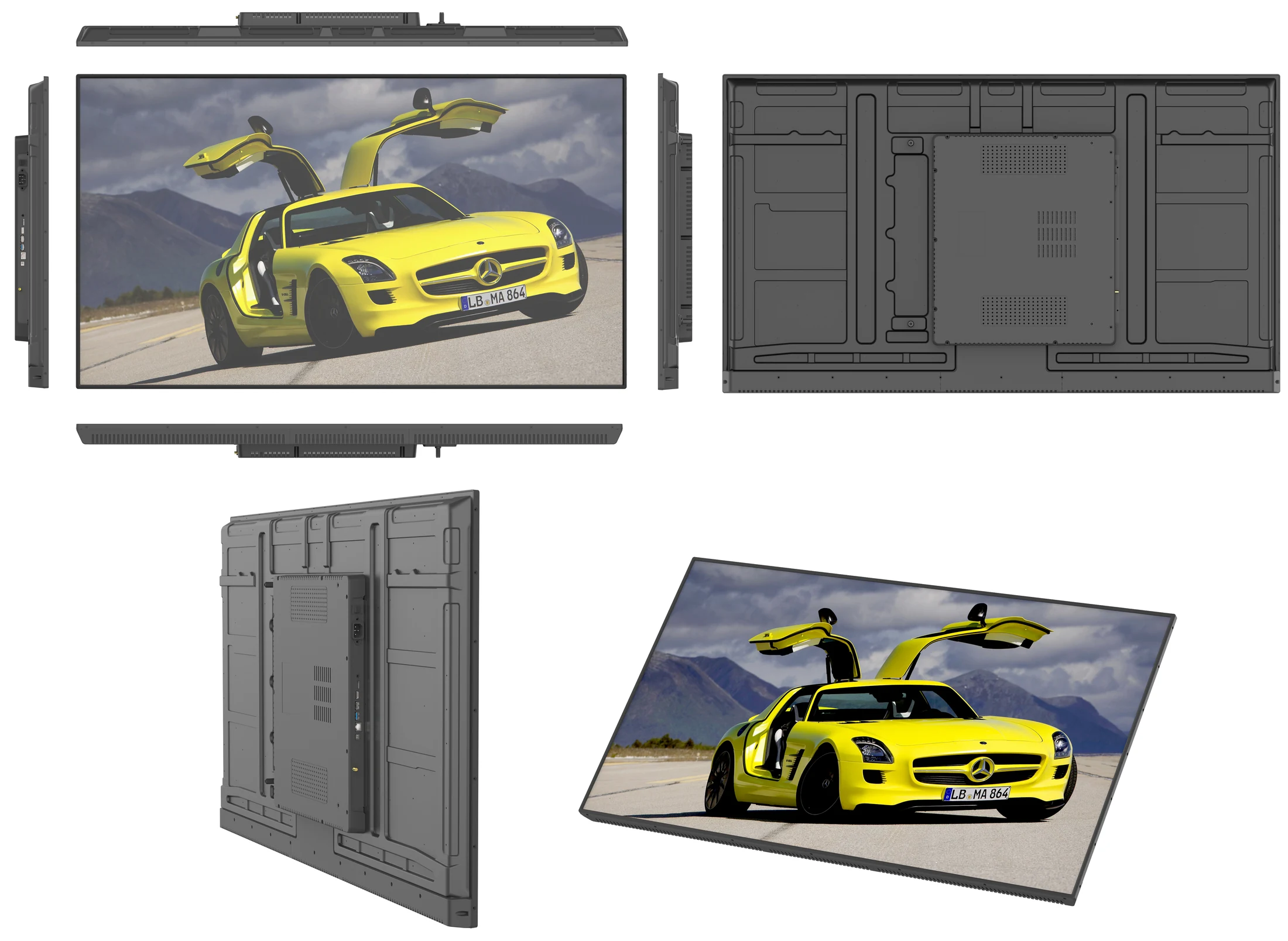
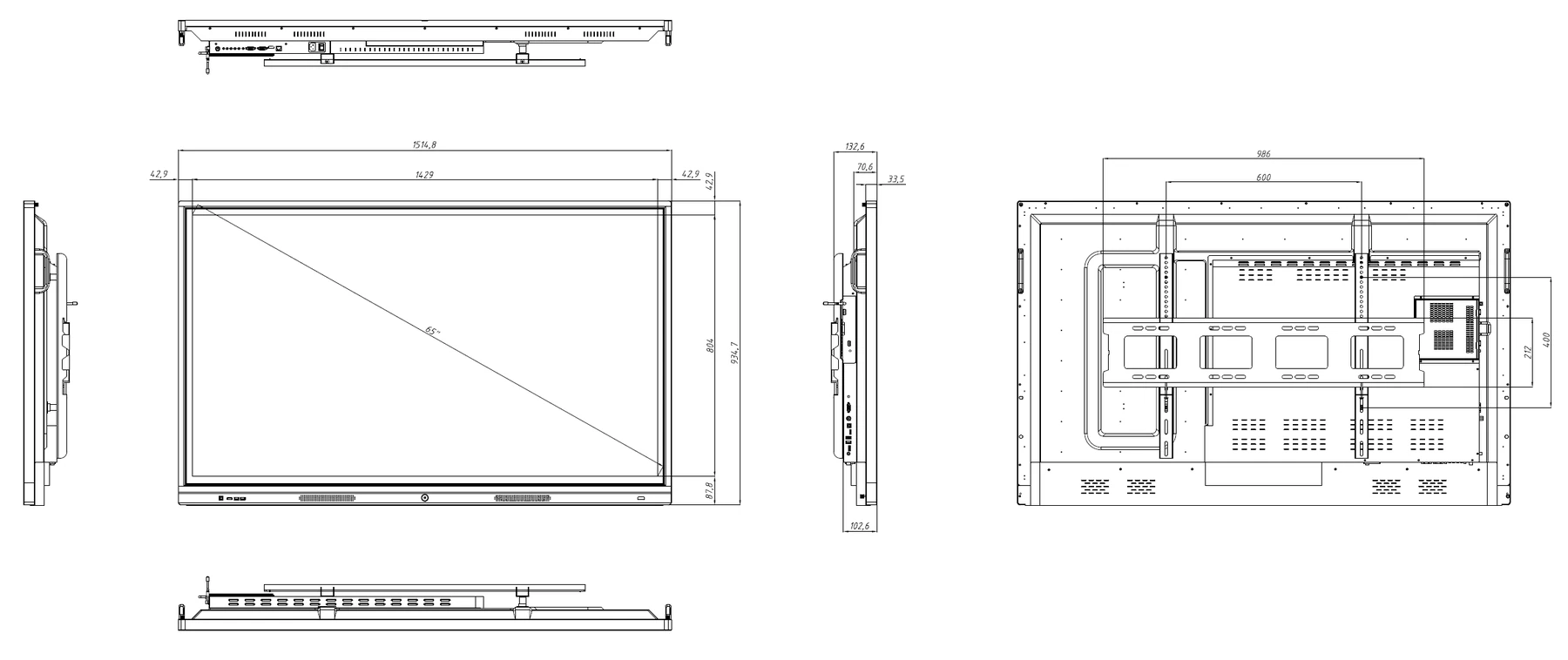
Interactive flat panel for meeting rooms and classroomsBUYING GUIDE

How to Choose an Interactive Flat Panel for Meetings and Classrooms

Start with room size, seating layout and the furthest viewing distance, then choose 65, 75, 86 or 98 inches rather than buying by screen size alone. Compare touch response, Android or Windows operation, brightness, connectivity and warranty support, and check how the panel will be managed across multiple rooms. The guide separates classroom, meeting-room and training-room requirements so the specification is practical, not a list of marketing features.

Read the guide
Interactive whiteboard and flat panel comparisonBUYING GUIDE

Interactive Whiteboard, Flat Panel or Smart Board: What Do You Actually Need?

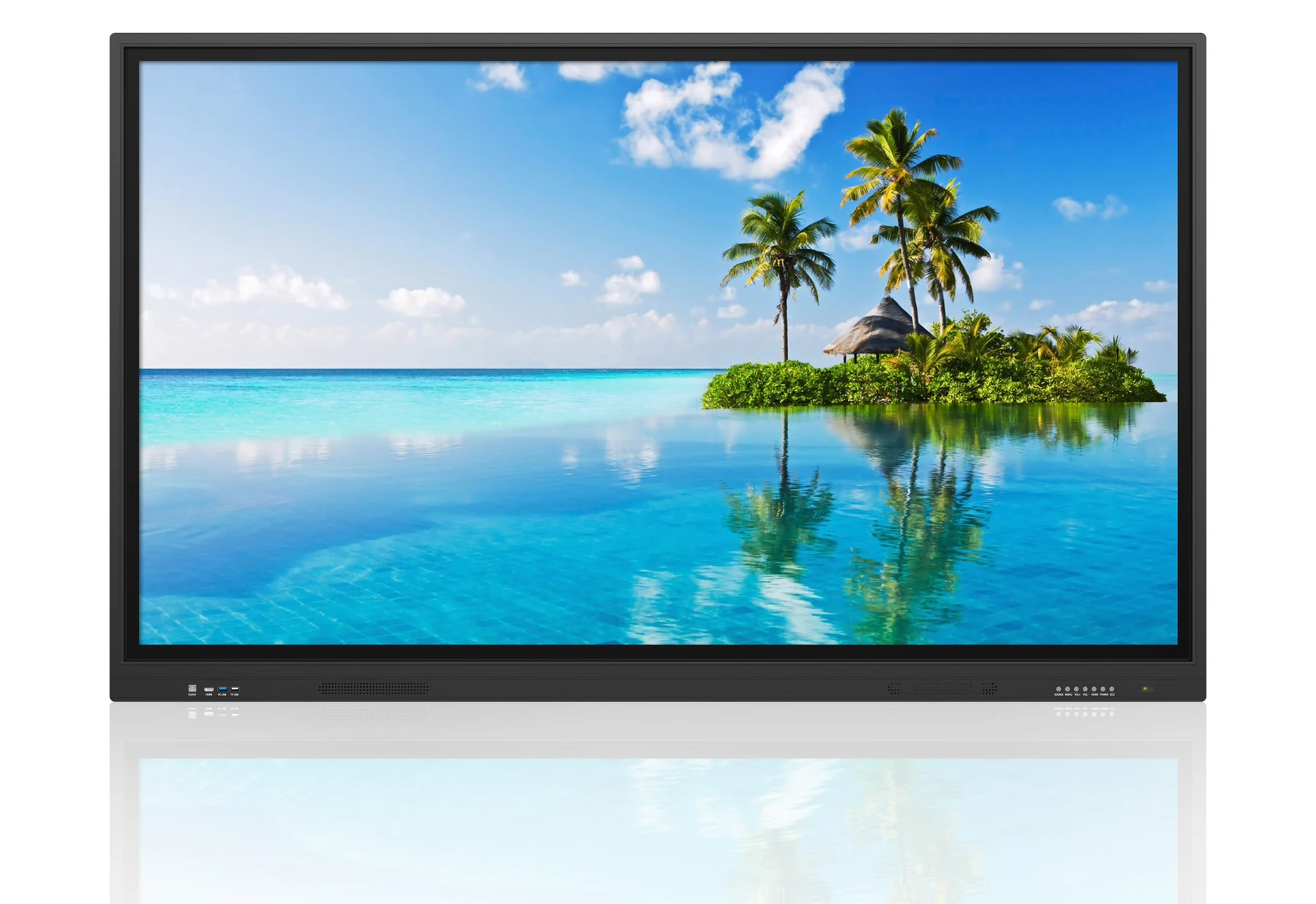
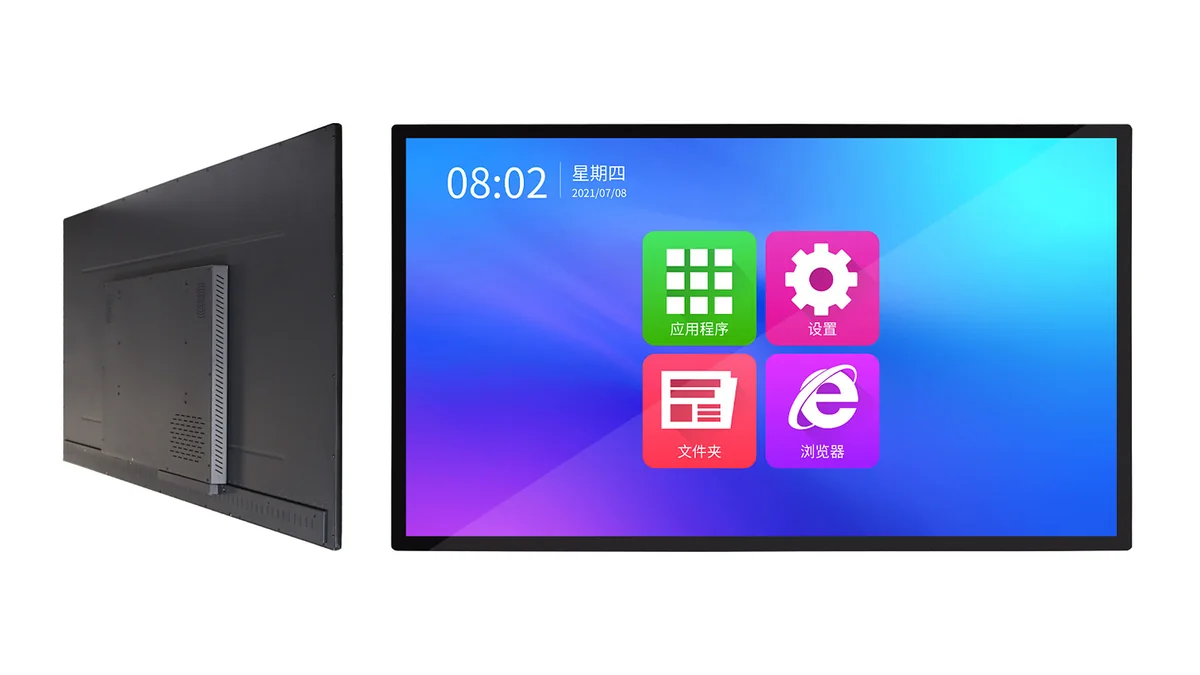
Interactive whiteboard, interactive flat panel and smart board are often used for the same product, but buyers may mean very different hardware, software and installation formats. This guide explains the terminology, compares built-in Android, Windows OPS and pen-focused classroom systems, and shows which choice fits education, meeting rooms and collaborative training. Use it to avoid paying for features your users will never operate.

Read the guide
Digital signage screen size and resolution planningBUYING GUIDE

How to Choose Digital Signage Screen Size and Resolution

Screen size should be calculated from the closest realistic viewing distance, the content format and whether the display is portrait or landscape. Resolution matters most up close, while brightness, contrast and mounting position often decide whether the message is readable from across a shop, lobby or transport area. The guide gives practical size, 1080p versus 4K and pixel-pitch guidance for retail, hospitality and public-space projects.

Read the guide
Floor-standing digital signage kioskBUYING GUIDE

Floor-Standing vs Wall-Mounted vs Shelf-Edge Signage

Floor-standing, wall-mounted and shelf-edge displays solve different jobs: drawing attention, fitting into limited space or placing price and product information at the point of decision. This comparison covers sightlines, installation constraints, power and network access, cleaning, service clearance and total cost. It also explains where a freestanding totem is worth the footprint and where a wall or shelf format will produce a better customer experience.

Read the guide
High-brightness display for a bright shop windowBUYING GUIDE

High-Brightness Display Buying Guide: Matching Nits to Sunlight

A high-brightness display should be specified from the real ambient light, not from the largest nit number in a catalogue. Compare typical and peak brightness, glass treatment, contrast, optical bonding, auto-dimming and cooling, because a bright panel without thermal control can dim or fail in its first hot season. The guide gives practical nit ranges for indoor, window-facing and direct-sun installations, plus a five-point specification checklist.

Read the guide
MiniLED digital signage displayBUYING GUIDE

MiniLED vs Standard LCD: When Is It Worth It for Commercial Displays?

MiniLED is an advanced LCD backlight, not a separate display technology, so its value depends on zone count, calibration, content and ambient light. This guide compares blacks, contrast, brightness, blooming, power, heat and five-year cost against standard commercial LCD. It shows when MiniLED improves a flagship store, showroom or window installation, and when a conventional panel leaves more budget for the enclosure, player and long-term service.

Read the guide
Foldable LED poster screen in a retail environmentBUYING GUIDE

How to Choose a Foldable LED Poster Screen

Foldable LED posters are chosen for their slim profile, high brightness and ability to move between promotions, events and store layouts. Compare pixel pitch, single-unit versus three-fold double-sided designs, battery options, cabinet handling and viewing distance before selecting a size. The guide also covers content ratios, brightness scheduling, splicing and service access so the poster remains easy to operate after the launch event.

Read the guide
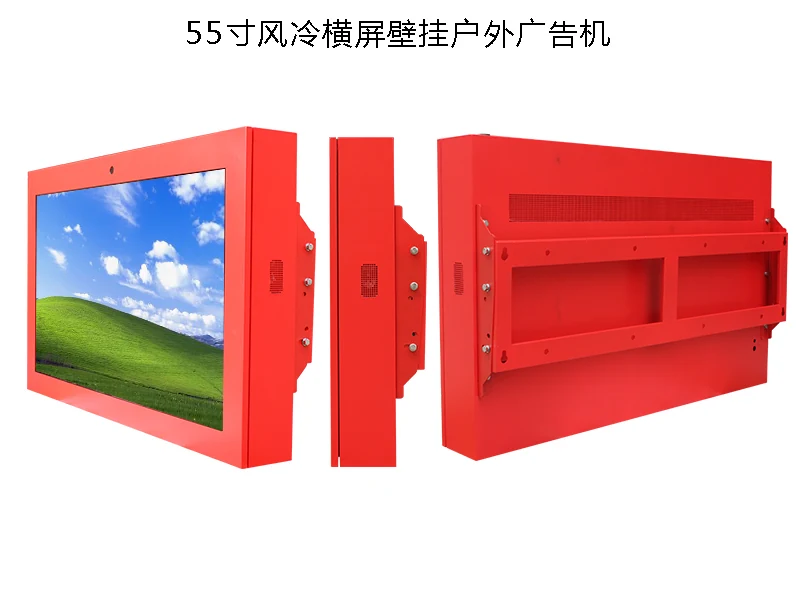
Outdoor digital signage in a public squareBUYING GUIDE

How to Specify Outdoor Digital Signage That Survives the Climate

Outdoor signage must survive heat, rain, dust, salt, condensation and direct solar load, not just look bright on installation day. This guide compares IP54, IP65 and IP66 protection, natural convection, fan cooling and air conditioning, then explains the glass, drainage and service access needed for each mounting format. Use the climate checklist to specify for the hottest afternoon, the coldest morning and the real maintenance conditions at the site.

Read the guide
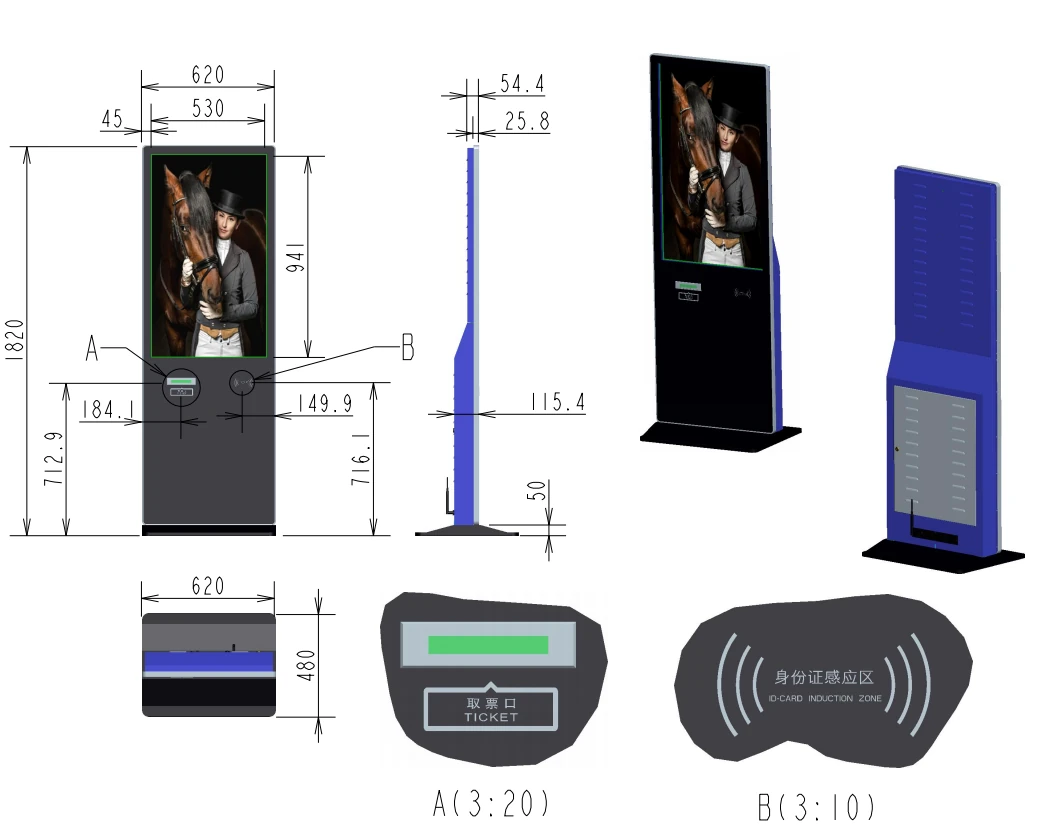
Self-service terminal kiosk in a public buildingBUYING GUIDE

How to Specify a Self-Service Terminal

A reliable self-service terminal starts with the user journey: identification, payment, printing, scanning, accessibility and assistance all determine the cabinet and peripherals. This guide covers screen size and touch response, Windows or Android architecture, security, connectivity and software integration, with practical checks for public buildings, retail and transport. It also explains how to plan service access, consumables and remote monitoring before the first unit is installed.

Read the guide
Self-service ordering kiosk and restaurant softwareBUYING GUIDE

Self-Service Ordering System Cost and Deployment Guide

The kiosk is only one line in a self-service ordering budget: software licensing, payment fees, printers, scanners, installation, content and ongoing support can change the payback calculation substantially. This guide breaks down the real costs, explains local-first versus cloud-only operation, and gives a four-step rollout plan from customer journey to multi-store expansion. It also shows how queue time, average order value and redeployed staff time should be measured after launch.

Read the guide
Video wall installation in a control room or lobbyBUYING GUIDE

How to Plan a Video Wall That Looks Seamless

A video wall must be designed as one image, not as several individual screens placed next to each other. Calculate the physical wall dimensions, bezel intrusion, viewing distance, panel brightness and mounting tolerance before choosing the layout, then plan processors, signal routing and content with the seams in mind. The guide helps prevent common problems such as mismatched panels, visible grid lines and content that looks distorted across the full wall.

Read the guide
Digital signage network and content managementBUYING GUIDE

Connectivity and Content Management for Digital Signage

The display is only useful when the right content reaches it reliably. This guide compares Android system-on-chip players with external media players, then covers wired and wireless networks, content scheduling, offline playback, remote monitoring, user permissions and security. It explains how to choose a CMS that supports multiple sites and languages without creating a fragile chain of manual updates, USB drives and untracked local changes.

Read the guide
Have a technical question?

Talk to someone who builds displays every day.

Send us your environment, target display size and application. We will answer with practical options.

Browse products