
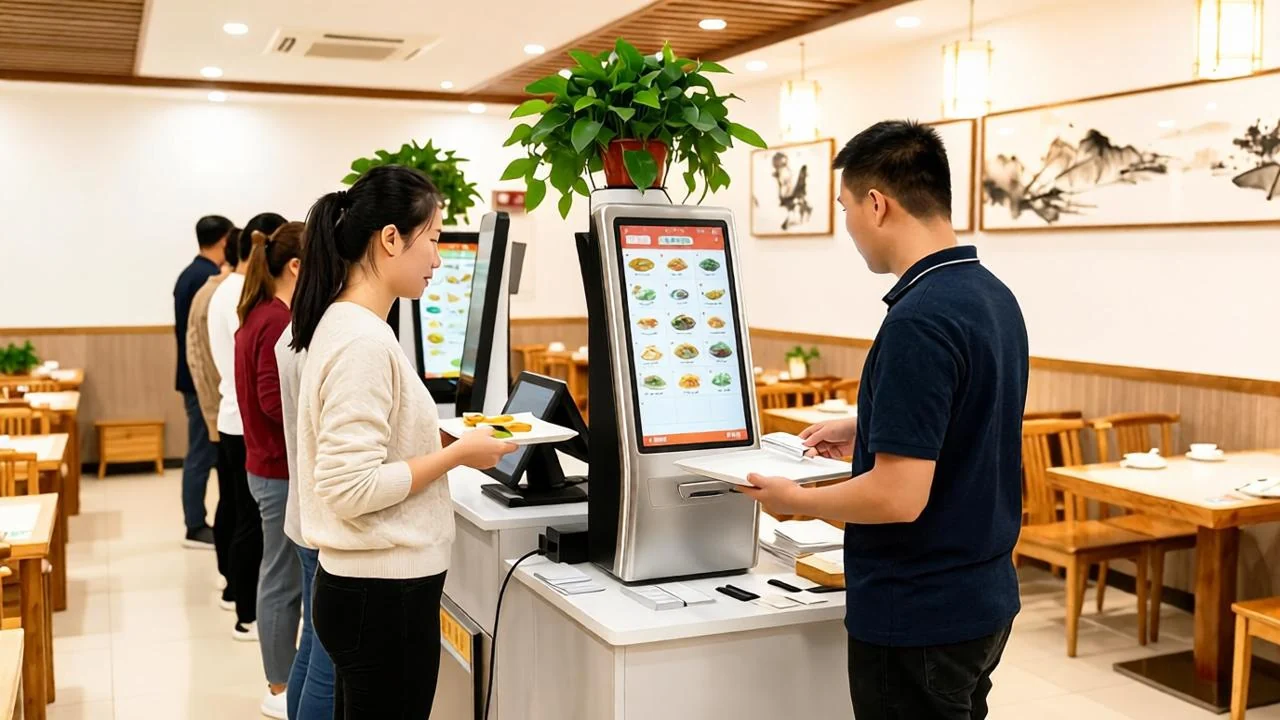
Installing kiosks is only the visible part of a self-service ordering system. The hardware is a one-time purchase, but the total cost also includes software, payment processing, peripherals, installation and ongoing operation — and the return comes from shorter queues, larger average order value and redeployed staff time. This guide breaks down where the money goes and how to deploy without disrupting service.
Where the cost actually sits
1. Kiosk hardware. The terminal itself — a 21.5 to 32 inch capacitive touchscreen, industrial mainboard, metal stand or wall mount — is the largest upfront line. Price moves with screen size, brightness (a sun-facing food-court unit needs more nits), processor, memory and build quality. Resist the cheapest consumer-grade panel: a kiosk runs 12+ hours a day under public hands, and downtime in a restaurant is immediately visible.
2. Peripherals. These are small individually but essential: thermal receipt or kitchen printer, 1D/2D scanner for membership and coupons, NFC/QR payment module, optional bank card reader, speakers and an integrated or external cash-handling path where cash is still common. Confirm the cabinet physically accommodates your printer roll and service access.
3. Software licensing. Compare whether the platform charges per terminal, per store, per transaction or a flat annual fee. A local-first architecture — where menu, orders and reporting run on an on-site database — keeps the venue operating during an internet outage, while cloud-only systems stop taking orders when the connection drops. Look for included menu management, kitchen printing, refunds, multi-language and analytics rather than paying for each as add-ons.
4. Payment processing. Acquiring fees are a percentage of revenue, not a capital cost, so they compound for years. A system that supports several channels — QR wallets, bank cards and aggregators — lets you negotiate rates and avoids lock-in. Confirm that settlement and refund flows are reconciled automatically in reporting, or your end-of-day accounts will cost staff time.
5. Installation and integration. Site survey, power and network points, mounting, menu content creation and staff training all belong in the budget. Integration with an existing POS, printer fleet or loyalty app is the most variable item and should be scoped before purchase, not after.
6. Running costs. Power, consumables (paper rolls), extended warranty, software updates and remote support. Budget for a replacement cycle of roughly five years and treat consumable-accessible design as a cost feature.
Reading the return on investment
The payback case rests on three levers. Labour reallocation: front-counter order-taking effort moves to the customer, so staff shift to preparation and hospitality rather than being cut outright. Average order value: image menus, taste options and "add a drink" prompts reliably lift attach rates. Throughput: during a lunch peak, parallel kiosk lanes shorten queues and capture demand that would otherwise walk away. Add reduced order errors from a direct-to-kitchen flow and lower cash-handling exposure, and many sites reach payback within months rather than years — but the model only works if the hardware survives the daily load.
A four-step deployment plan
Step 1 — Define the customer journey. Decide dine-in versus takeaway flow, table or pickup numbers, loyalty login, language needs and payment channels. The journey determines the peripherals, so lock it before choosing a cabinet.
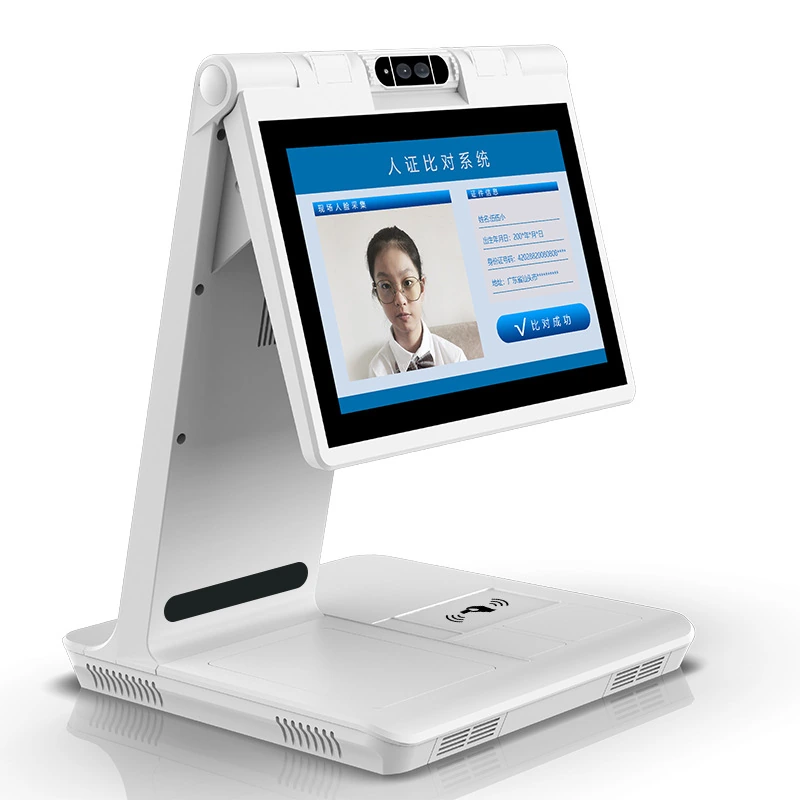
Step 2 — Configure hardware to the venue. Match screen size and brightness to space and lighting, confirm printer and scanner placement, and plan fixed network IPs and power. Windows and Android both have roles: Windows suits high-resolution POS-style stations, Android suits flexible tablet and signage-based endpoints.
Step 3 — Configure software and payments. Build the image menu, categories, taste options and prices; connect payment channels and kitchen printers; set up receipt branding and tax rules. A complete local backup at this stage protects the launch.
Step 4 — Pilot, then scale. Start with a live pilot in one store during a real peak, observe where customers hesitate, refine the interface, and only then roll the proven configuration across the estate. A staged rollout also lets kitchen and counter staff build confidence.
Ask us before you specify.
Send the installation environment, viewing distance and content plan. Our engineers will review the requirements and recommend a practical configuration.
Practical rollout tips
Place kiosks where customers naturally look after entering, keep a staffed counter during the transition, and use clear visual prompts for the first weeks. On the technical side, put terminals and kitchen screens on the same managed network, enable remote monitoring and automatic backups, and keep a spare printer and paper stock on site.
Hidden costs worth asking about
A careful comparison surfaces costs that suppliers sometimes leave out of the headline quote. Check whether menu and image management is included or charged per update; whether multi-language, multi-store and multi-terminal use carries extra licensing; and whether analytics, refunds and end-of-day reporting are native or a premium module. Ask about payment lock-in — terminals hard-wired to one acquirer may cost more in transaction fees over five years than the hardware saved at purchase. Confirm update and upgrade policy, because a system that requires an engineer on site for every menu or price change quietly inflates running cost. Finally, price the downtime risk: a cloud-only platform that cannot operate without internet converts every broadband fault into a closed ordering lane, which is why a local-first, offline-capable architecture carries real commercial value even when it is not the cheapest licence.
Hardware sizing by venue
There is no single right kiosk. A compact coffee or bubble-tea counter may be best served by a 21.5 inch wall or counter unit with QR payment and a compact printer. High-volume fast-food and food-court operators generally choose 23.6–27 inch floor-standing terminals with larger image menus, scanners and dual printers. Flagship stores and multi-brand food halls lean toward 27–32 inch screens where the kiosk also carries branding and promotion. Match screen brightness to the lighting — food courts with glass roofs behave almost like window environments — and order enough lanes for the peak, not the average, because the business case depends on throughput exactly when queues are longest.
One platform across every order channel
TANGSHI's self-service ordering solution covers self-ordering kiosks, QR ordering, payment, customer receipts and kitchen printing, with image menus, taste options and restaurant menu management in one system — supported by Windows and Android terminals and a local-first design that keeps trading offline. With 15+ years of display manufacturing and OEM/ODM flexibility, we can match hardware to your venue and brand.
Explore the self-service ordering solution · Read the self-service terminal buying guide · Request a quote
Plan the complete ordering system
Share the venue layout, peak-hour volume, payment methods and kitchen workflow. We will help map the hardware, software and rollout scope before you compare quotations.