
Solution

Smart Campus Digital Solution

From electronic class card, campus information release, meeting reservation to teaching conference all-in-one machine, a smart campus service system for teachers and students, educational administration and school administration is constructed.

Back to solutions
Smart Campus Digital Solution
Full solution content

From solution overview to implementation value

02 · Overview of the Plan

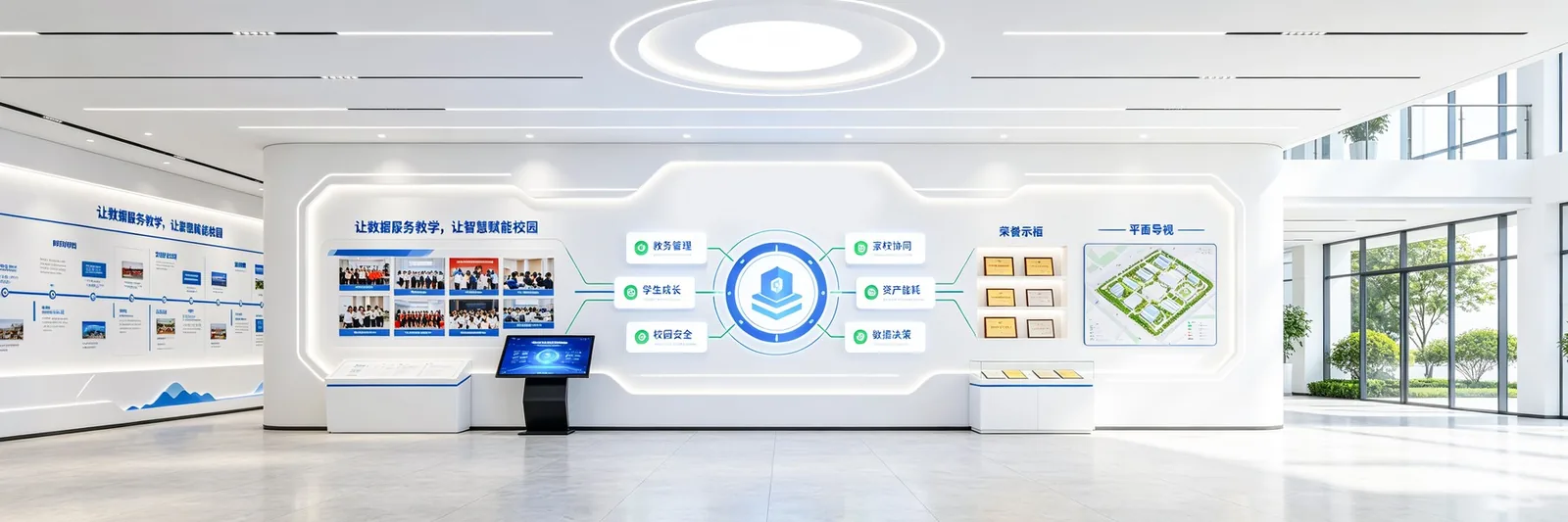
Digital Scheme with Campus Scene as the Entrance

Covering teaching, meetings, information release, student services and school management

  • Electronic class sign
  • Unified display of class information, curriculum schedule and notice
  • Information release
  • Centralized Management of Campus Information and Notification
  • Meeting reservation
  • Meeting room status and reservation process online
  • Teaching Conference
  • Whiteboard, screen projection, video and audio integration
03 · System architecture

Smart Campus System Architecture

Terminal, application, platform and data unified collaboration

  • Terminal layer
  • Electronic class sign
  • Information release screen
  • Meeting gate screen
  • Teaching all-in-one machine
  • Vertical terminal
  • ›
  • Application layer
04 · Campus Scene

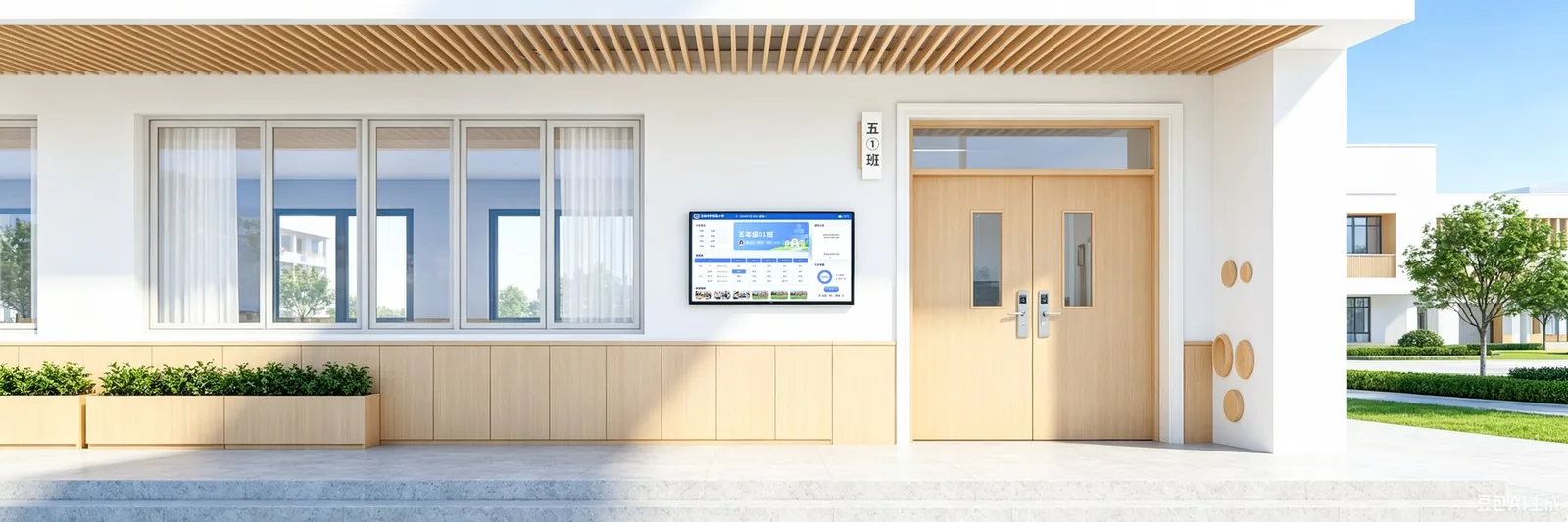
electronic class card system

Centralize class information, courses, attendance and notifications to the door of the classroom.

  • Unified display of class information, curriculum schedule and value day arrangement
  • Notification, attendance, moral education evaluation and activity information linkage
  • Flexible configuration of content by class, grade and campus
  • Unified management of equipment status and release records
electronic class card system
05 · Campus Scene

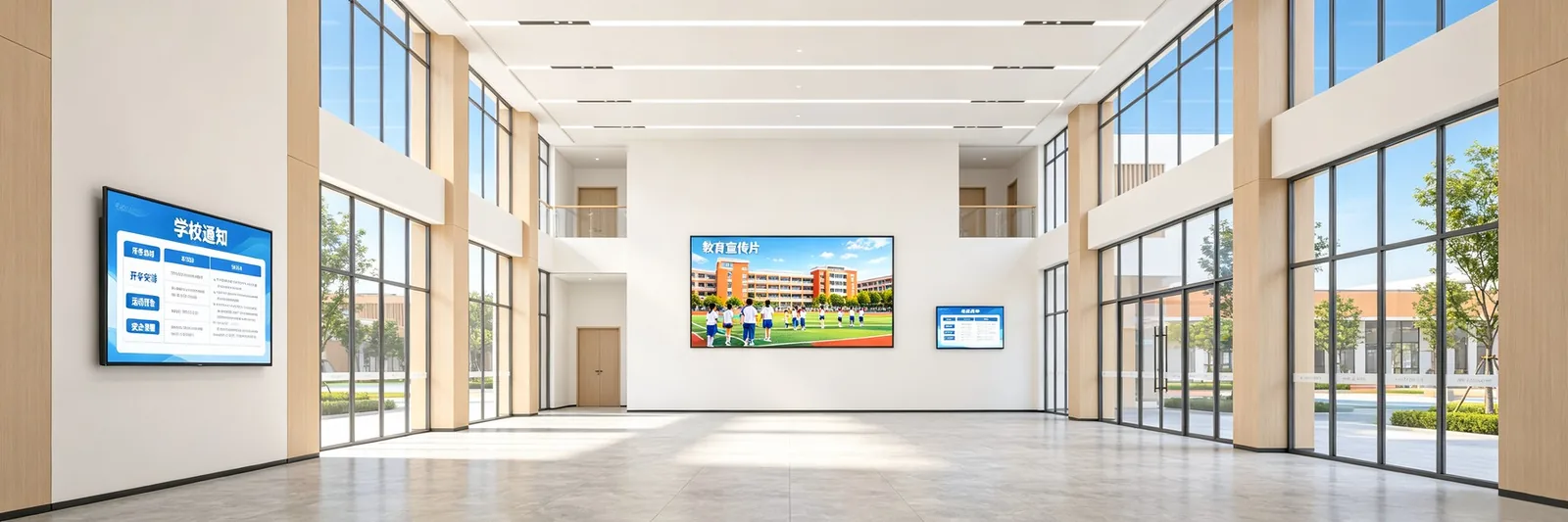
campus information release system

Unified release of information, notifications, events and emergency information

  • Unified management of notices, news, activities, honors and health education
  • Support split-screen publishing in classrooms, corridors, canteens and public areas
  • Timed playback, partition display and emergency information priority coverage
  • Content moderation, playback records, and terminal status can be tracked
campus information release system
06 · Campus Scene

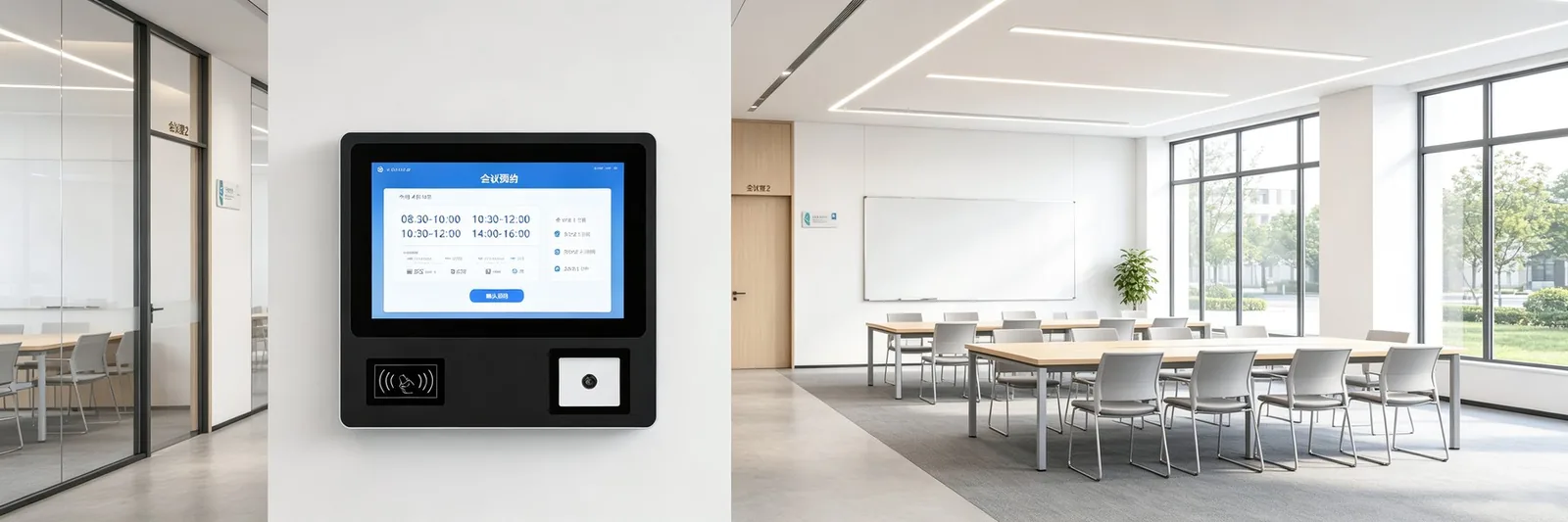
Meeting reservation system

Make meeting status, appointments, approvals, notifications, and check-ins online

  • View room status, capacity, equipment, and idle time
  • Online application, approval, cancellation and notification to participants
  • Door screen displays meeting subject, time and occupancy status
  • Statistics of utilization rate, appointment peak and valley and resource utilization rate
Meeting reservation system
07 · Campus Scene

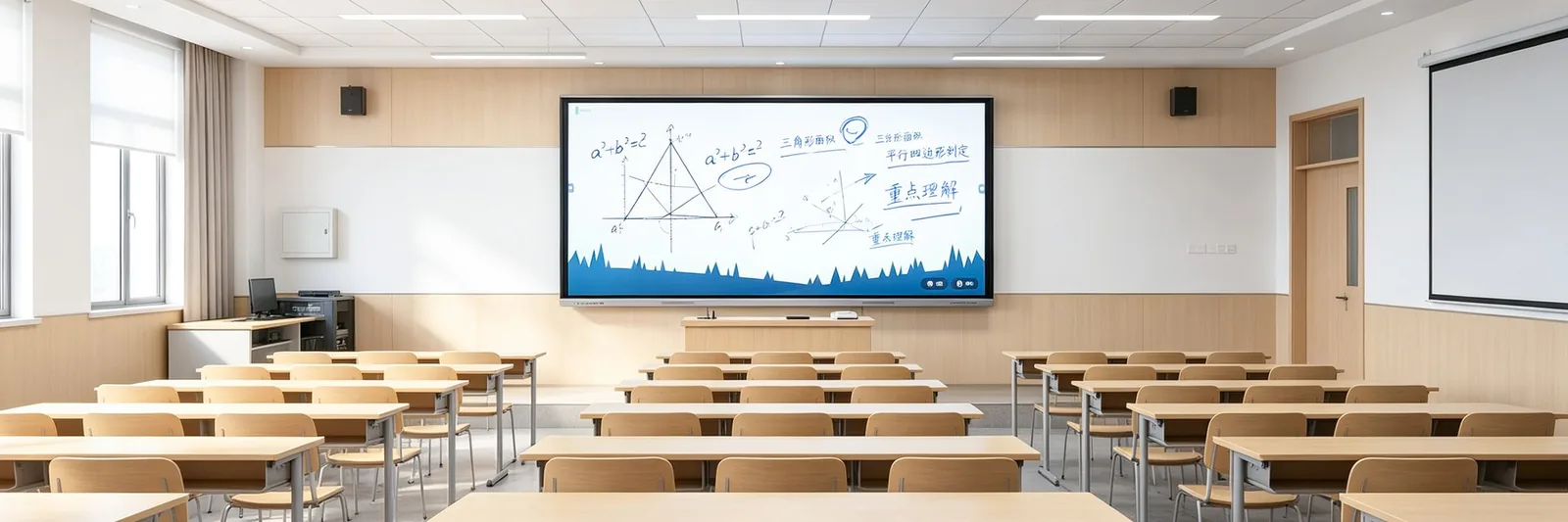
Teaching conference all-in-one machine

Integrate projection, whiteboard, audio, projection, and video conferencing into one large screen

  • Whiteboard writing, screen projection sharing and multi-window presentation
  • Remote video, conference collaboration and classroom interaction
  • Courseware, video and teaching resources quick call
  • Supports classroom, conference and function room scenarios
Teaching conference all-in-one machine
08 · Campus Scene

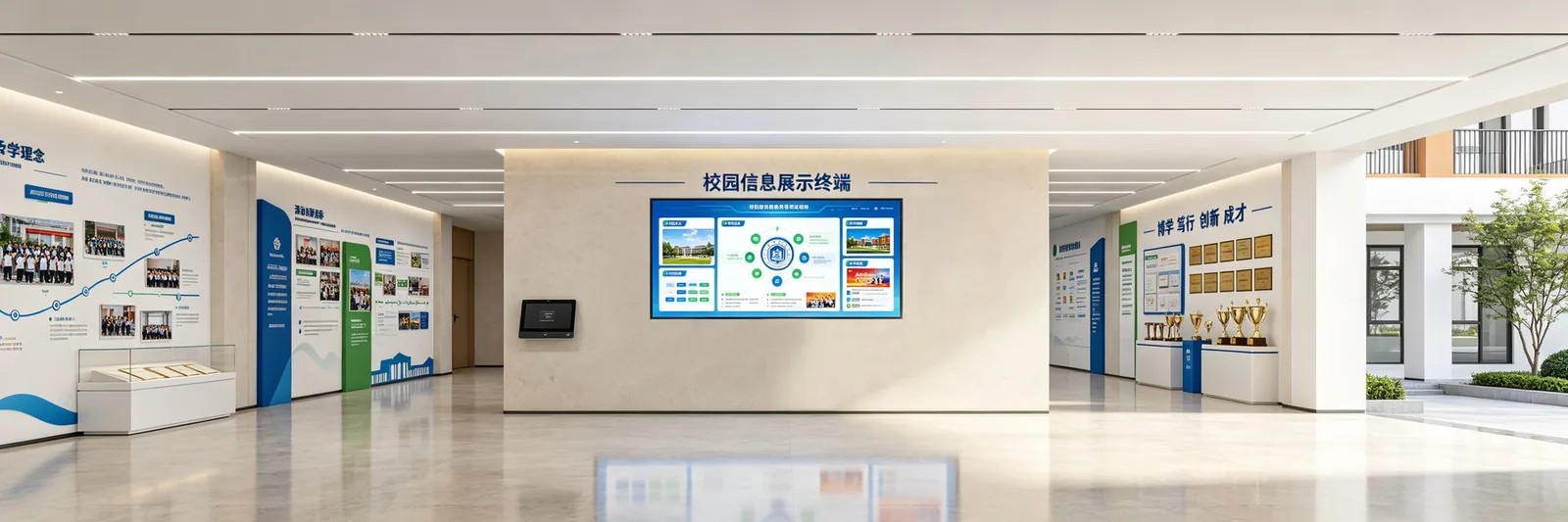
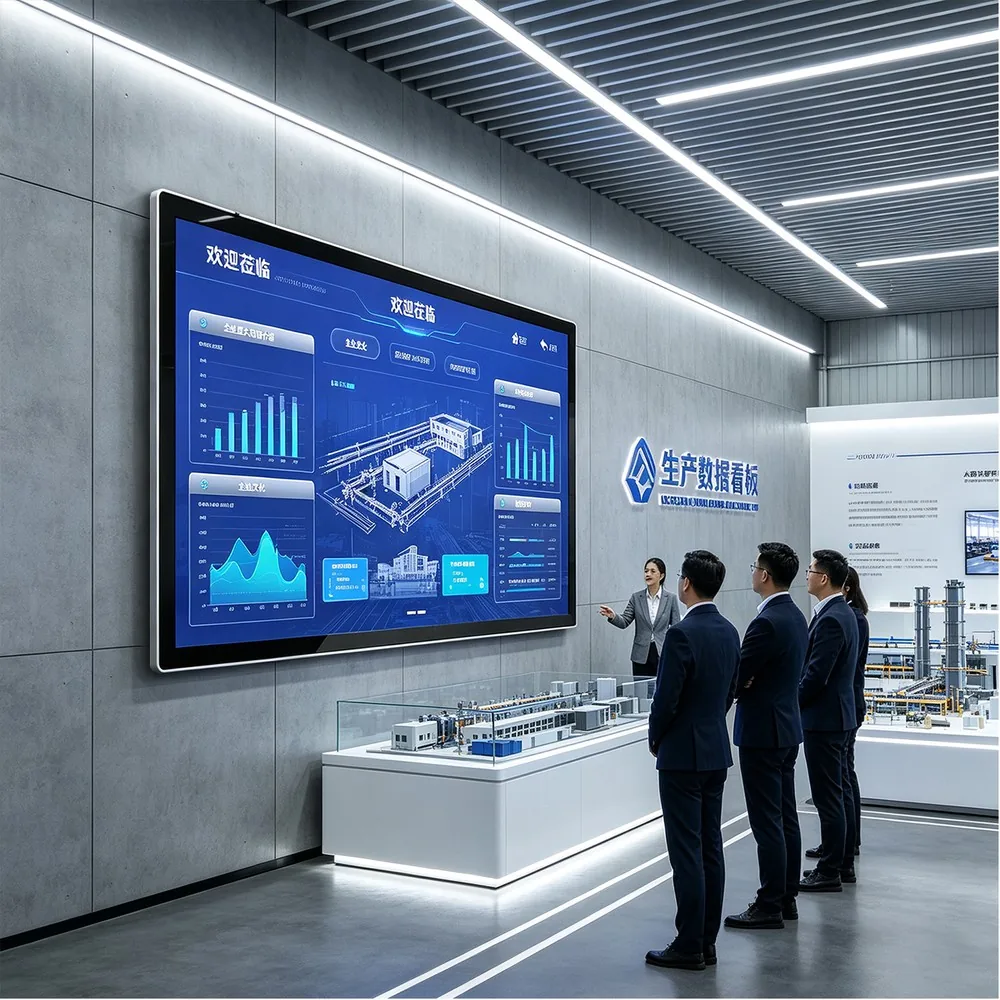
campus information display terminal

Display cultural, guided and event information through vertical, wall-mounted and colorful terminals

  • Campus culture, honor display, event poster and welcome speech
  • Floor guidance, function room guidance and public information release
  • Multi-size terminal adapts to lobbies, corridors and functional areas
  • Support remote update, time switch machine and status monitoring
campus information display terminal
09 · Campus Scene

Smart Campus Digital Platform

Connect terminals, content, meeting, teaching and school data

  • Unified management of devices, content, users, permissions and versions
  • Connect the class board, information release, meeting and teaching terminal
  • Form equipment, publish, subscribe and use data reports
  • Support alarm, remote operation and maintenance and multi-campus hierarchical management
Smart Campus Digital Platform
10 · Expansion module

Student service and attendance linkage

Connect all-in-one card, attendance, notification and service work list

  • Campus One Card
  • Identification, Access Control, Consumption and Attendance
  • Attendance linkage
  • Course and school status synchronization
  • Home-School Notice
  • Leave, attendance and important notification push
  • Service ticket
  • Repair, consultation, application and progress inquiry
11 · Expansion module

Campus Security and Emergency Release

Access control, video, alarm and zoning broadcast work together

  • Access Control and Visitors
  • Unified management of event linkage, processing status and records
  • Video and alarm
  • Emergency broadcast
  • Event tracing
  • Division Broadcast
  • On-duty linkage
12 · Product Configuration

Recommended Campus Terminal

Coverage of class boards, releases, meetings, teaching and public areas

  • Thin wall-mounted commercial display
  • 32-98 inches, suitable for corridors and public areas
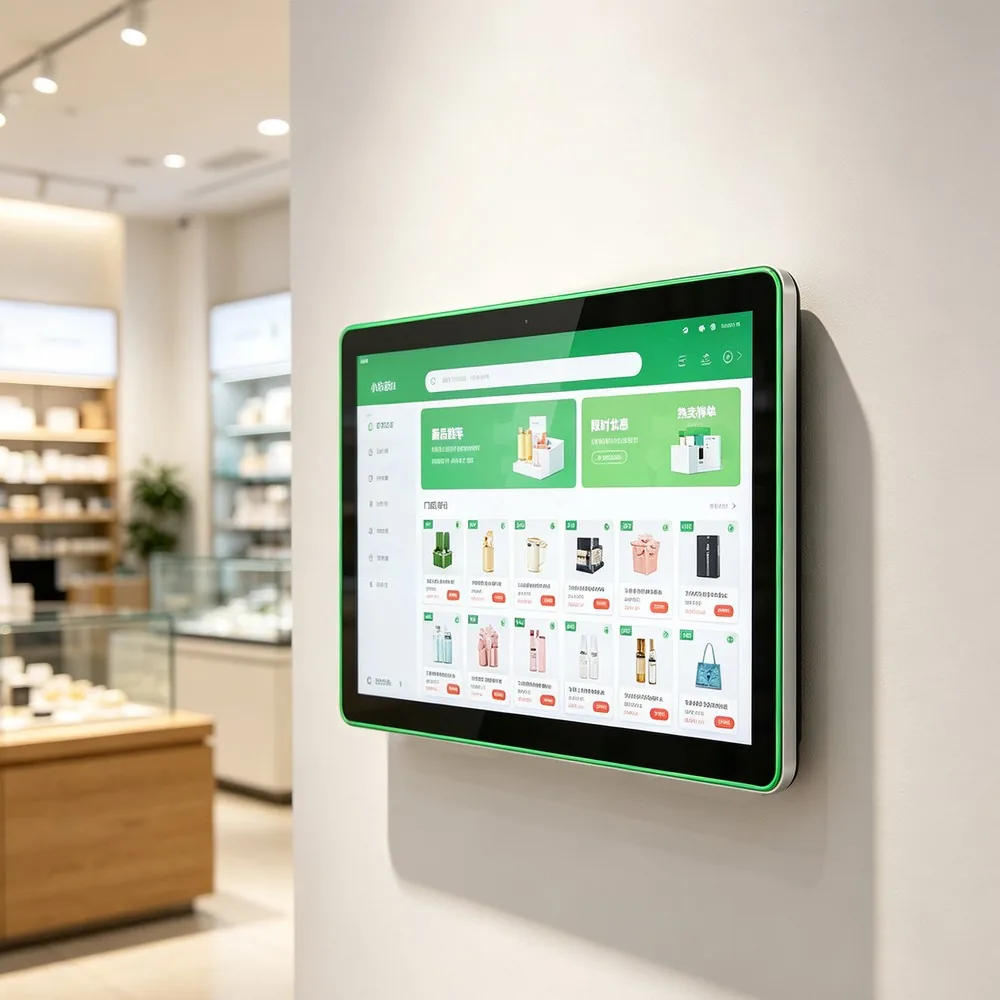
  • Colorful rounded wall terminal
  • 10.1-43 inch, color adjustable, suitable for class and guide
  • Conference all-in-one machine
  • 55-86 inch, with camera, suitable for meetings and teaching
  • vertical book turning machine
  • 32-65 inches, suitable for halls and libraries
Recommended Campus TerminalRecommended Campus Terminal
13 · Implementation Path

From the pilot to the whole school to promote, phased

Requirements gathering

  • Sort out teaching, meetings, releases and existing systems
  • 1-2 weeks
  • Scheme design
  • Confirm terminal location, content structure and interface
  • 2-3 weeks
  • Pilot on-line
  • Complete equipment installation, coordination and training
  • 3-5 weeks
14 · construction value

Make campus information unified, teaching collaboration smooth, clear school management

Unification of information

  • Unified management of class cards, release screens and terminal content
  • teaching synergy
  • Conference appointment and teaching integrated machine linkage
  • Service efficient
  • Attendance, notification and service process on-line
  • Manage visual
  • Continuous analysis of equipment, content and operational data
  • It is recommended to start with a grade, a school building or a conference area, and then gradually expand to the full campus.
Next step

Share the application and requirements to start defining the right solution.

Back to solutions