
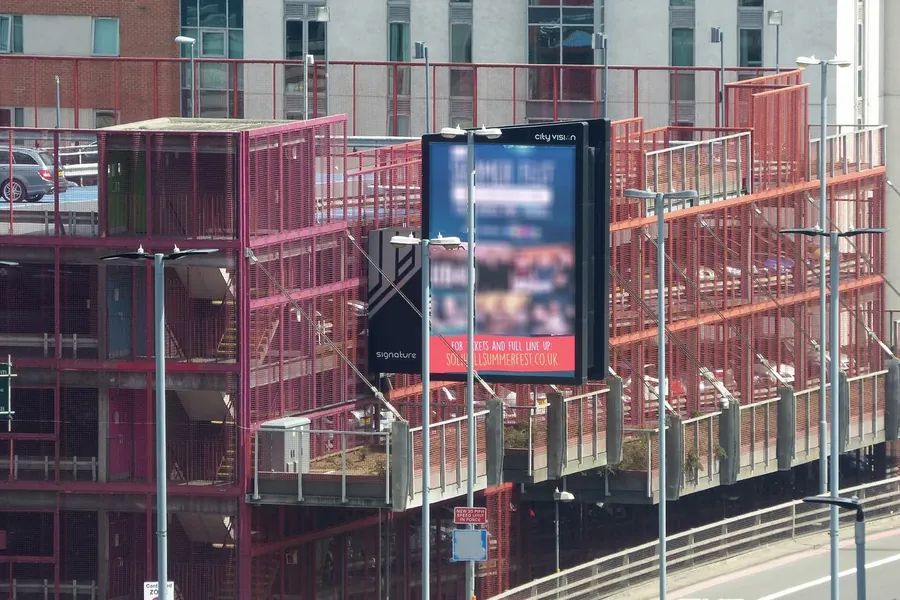
This article explains how to choose brightness for two common advertising applications: window-facing displays and fully outdoor advertising screens.
Understanding Brightness: What “Nits” Really Mean
Display brightness is usually measured in nits, or candelas per square meter (cd/m²). A typical indoor office monitor may produce 250 to 350 nits. A standard indoor digital signage display may offer 400 to 700 nits. Once a screen is placed behind a window or outdoors, much higher brightness is often required because sunlight competes directly with the image on the screen.
However, brightness alone does not guarantee visibility. Contrast, anti-glare treatment, screen surface, viewing angle, content design, and ambient light all affect how readable a display appears. A 3,000-nit screen with a highly reflective surface may be less effective than a 2,000-nit screen with excellent anti-glare coating and strong contrast.
Part 1: Choosing Brightness for Window-Facing Displays
A window-facing advertising display is normally installed indoors, behind a shop window or glass facade, but it is viewed from outside. This is sometimes called a semi-outdoor or window-facing digital signage application. It is more demanding than ordinary indoor signage because the screen must compete with daylight, street lighting, and reflections on the glass.
Consider the Direction and Sun Exposure
The first step is to study the window’s orientation.
A north-facing window usually receives indirect light for most of the day. In this situation, a high-quality display with 1,000 to 1,500 nits may be enough, especially if the glass has some tint or the screen is set back from the window.
An east- or west-facing window can receive strong direct sunlight for part of the day. These locations often require 2,000 to 3,000 nits or more, depending on how long the direct sun lasts.
A south-facing window in a sunny climate may experience intense daylight for many hours. For these installations, 2,500 to 4,000 nits is often a practical starting point. In extreme conditions, such as direct afternoon sun with little shading, some projects use 5,000 nits or higher. At that level, heat management and power consumption become major design considerations.
Account for Glass and Reflections
Window glass can reduce brightness or create mirror-like reflections. Tinted glass, low-emissivity coatings, and reflective films can significantly change the required brightness. If the glass is highly reflective, the display may need both higher brightness and better anti-glare treatment. In some cases, the best solution is not a brighter screen but a different mounting angle, a deeper window recess, or an anti-reflective film on the glass.
Use Automatic Brightness Control
A window-facing display should almost always have an ambient light sensor and automatic brightness adjustment. During the day, the screen may need to run at full power. At night, it can dim dramatically. This reduces energy use, lowers heat, extends component life, and prevents the display from becoming blinding after dark.
Avoid a system that can only run at one fixed brightness level. Manual control may seem simple, but it is rarely practical for a screen that operates every day.
Balance Brightness With Heat and Reliability
Window-facing displays are often exposed to heat from sunlight passing through the glass. A very bright screen produces additional heat of its own. If the installation has poor ventilation, the display may overheat, dim automatically, or fail early. Look for commercial-grade displays designed for continuous operation, with robust cooling, high-quality power supplies, and a warranty suitable for digital signage use.
Brightness ranges for window-facing displays can be summarized as follows:
- Shaded or indirect light: 1,000–2,000 nits
- Moderate direct sunlight: 2,000–3,000 nits
- Strong direct sunlight: 3,000–5,000 nits
Extreme direct sunlight: 5,000+ nits, with careful thermal design
These are general guidelines. A professional site survey is always better than guesswork.
Part 2: Choosing Brightness for Outdoor Advertising Screens
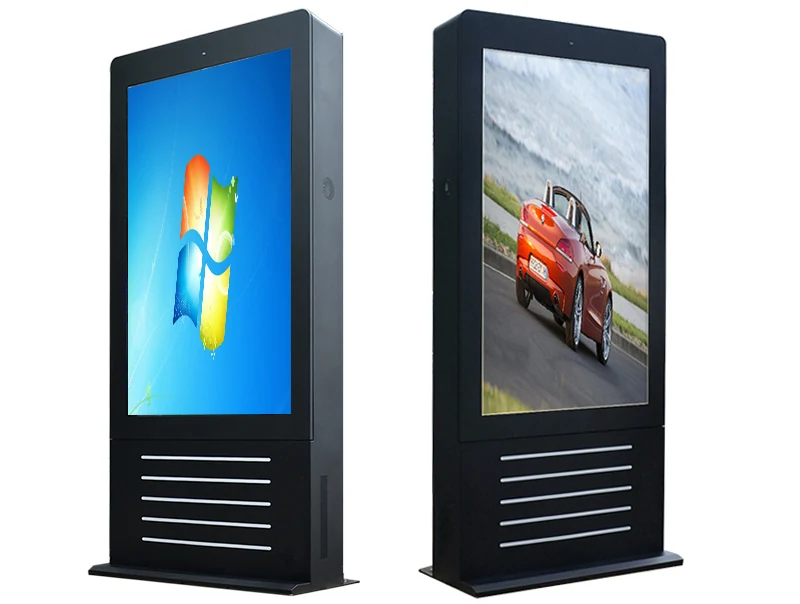
Outdoor advertising screens face much harsher conditions than window-facing displays. They must remain readable in direct sunlight, rain, dust, heat, cold, and vibration. They may also operate 24 hours a day for many years. For these reasons, outdoor displays are usually built with higher brightness, stronger environmental protection, and more advanced cooling systems.
Typical Outdoor Brightness Levels
Most outdoor LED advertising displays operate between 5,000 and 8,000 nits. In direct sunlight, especially in tropical or desert climates, 8,000 to 10,000 nits may be required. Some premium outdoor displays reach even higher levels, but extreme brightness increases power consumption and heat generation.
For smaller outdoor LCD advertising screens, common brightness levels range from 2,000 to 5,000 nits. These displays often use air conditioning, heat exchangers, or advanced cooling systems to manage temperature. An outdoor LCD may be suitable for bus shelters, storefronts, gas stations, or building entrances, while large outdoor LED billboards usually use LED modules with much higher brightness.
The right choice depends on viewing distance, sun direction, content type, and local climate. A screen that faces the sun directly will need more brightness than one in a shaded location or under a canopy.
Look Beyond Brightness: Pixel Pitch and Resolution
Outdoor LED displays are also defined by pixel pitch—the distance between pixels. A smaller pixel pitch provides higher resolution and better detail, but it costs more and is usually intended for closer viewing. A larger pixel pitch is suitable for billboards viewed from far away.
A brilliant display with the wrong pixel pitch can still look blurry or pixelated. Choose the pixel pitch based on the closest expected viewer, not the average distance.
Protect Against Weather and Physical Damage
Outdoor displays need a high IP rating for protection against dust and water. IP65 or IP66 is common for outdoor LED cabinets. For areas with heavy rain, salt air, or high humidity, additional protection and corrosion-resistant materials may be necessary. An IK rating indicates resistance to impact and vandalism, which is important for street-level installations.
Temperature control is equally important. Outdoor displays may need fans, air conditioners, heat exchangers, or intelligent cooling systems. In cold climates, heaters may be required to keep the display within its operating range.
Plan for Power and Maintenance
Outdoor advertising screens can consume significant power. A large, high-brightness LED billboard may require a dedicated electrical supply, surge protection, and careful load planning. Ask the vendor for realistic power consumption figures at different brightness levels, not just the maximum rating.
Maintenance access is another practical concern. LED modules, power supplies, and control cards should be easy to replace. Front-service or rear-service access should match the installation space. If the screen is mounted high on a building, service costs can rise quickly, so reliability and remote monitoring become especially valuable.
Part 3: Match Brightness to the Application
A simple way to compare applications is as follows:
- Indoor advertising display: 400–700 nits
- Window-facing display with indirect light: 1,000–2,000 nits
- Window-facing display with direct sun: 2,000–5,000+ nits
- Covered outdoor display: 2,500–5,000 nits
- Outdoor LED advertising screen: 5,000–8,000 nits
- Extreme direct-sun outdoor LED: 8,000–10,000 nits
These figures are starting points. The actual requirement should be calculated from the site’s sunlight exposure, glass properties, viewing distance, and content.
A Practical Selection Checklist
Before buying, ask these questions:
How many hours of direct sunlight will hit the screen each day?
Will the screen face east, west, south, or north?
Is the display behind glass, and does that glass have tint or reflective coating?
What is the closest and farthest viewing distance?
Will the content be text-heavy, image-heavy, or video-based?
Does the display support automatic brightness adjustment?
Can the installation manage the heat produced by the screen?
What IP and IK ratings are required?
How will the screen be maintained and repaired?
What is the total cost of power, cooling, service, and downtime?
Common Mistakes to Avoid
The most common mistake is choosing brightness by price alone. A cheaper, dimmer screen may look acceptable in a showroom but fail in real sunlight. Another mistake is choosing an extremely bright screen without considering heat, power, and cooling. This can lead to automatic dimming, shortened lifespan, and high operating costs.
Buyers also often ignore content design. High-contrast text, large fonts, simple graphics, and dark backgrounds can improve readability in bright environments. Finally, many projects forget about local regulations. Some cities limit nighttime brightness, light spill, and digital billboard operation. Check the rules before installation.
Final Thoughts
Choosing the right brightness for a window-facing or outdoor advertising display is a balance between visibility, reliability, energy use, and cost. Window-facing displays usually need 1,000 to 5,000 nits depending on sunlight and glass. Outdoor LED advertising screens typically need 5,000 to 10,000 nits, along with strong weather protection, cooling, and maintenance access.
The best approach is to treat brightness as one part of a complete system. Study the site, measure the light conditions, choose commercial-grade hardware, use automatic dimming, and plan for heat and service. When brightness is matched correctly to the environment, the display will remain clear, attractive, and reliable for years.
Match the display to the light.
Share the installation direction, glass or outdoor location, viewing distance and content type. We will recommend a practical brightness range.