Solution

Industrial SOP Digital Solution

Connect standard work, production progress, quality traceability and exception response to each production screen.

Back to solutions
Industrial SOP Digital Solution
Full solution content

From solution overview to implementation value

02 · From "visible" to "controlled" production site

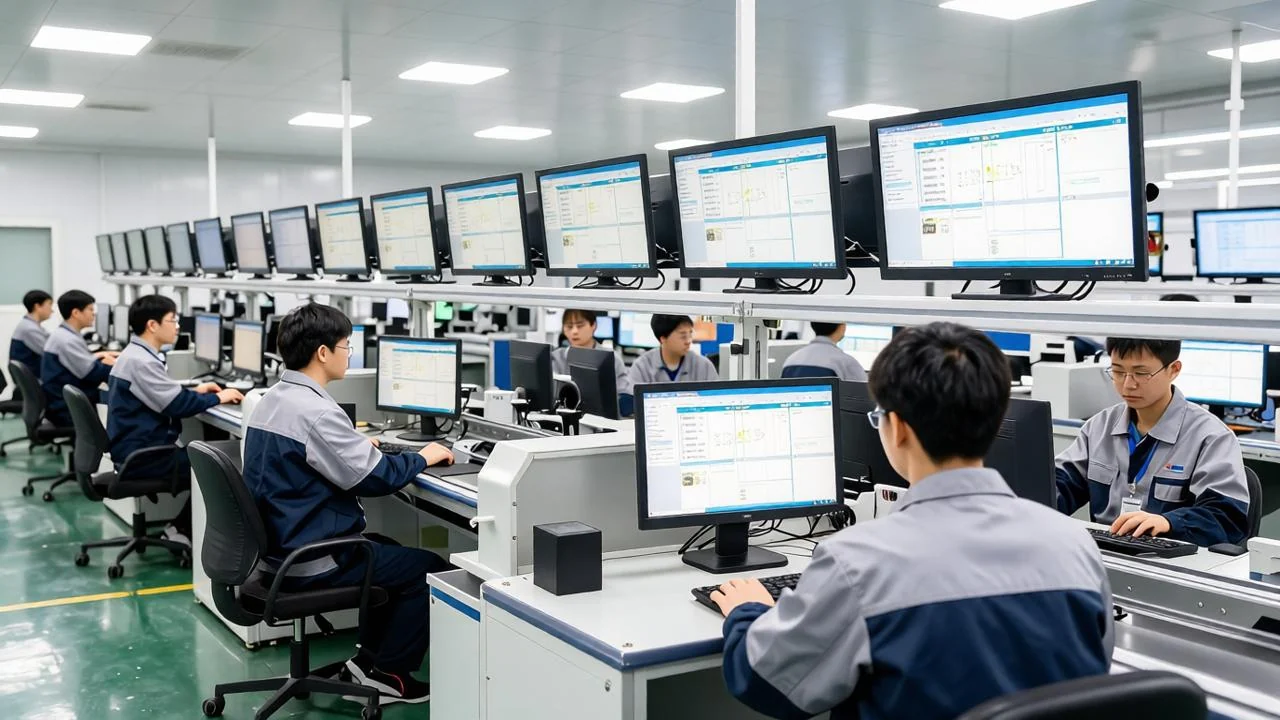
Covering station execution, line management and shop floor decision with a three-tier screen system

Implementation standard

  • The graphic steps, key parameters and quality requirements are unified to the station screen.
  • Process transparency
  • Plan, actual, beat and abnormal status visible in real time
  • Abnormal closed loop
  • From call, response, processing to closing automatic recording
  • Data-driven decision-making
  • Order, efficiency, quality and equipment data form a management view
  • It is recommended to start from a key station or a representative production line, and first verify the five main processes of SOP release, work order synchronization, production progress, abnormal calls and quality records.
Covering station execution, line management and shop floor decision with a three-tier screen system
03 · three-layer display system

Different roles look at different information to avoid putting on-site management on the same screen.

Station SOP screen

  • Front Line Operator
  • Operation steps, parameter error prevention, first piece confirmation, abnormal call
  • Line production board
  • Team Leader and Line Leader
  • Plan achieved, actual beat, bad product, Andon status
  • Workshop command large screen
  • Supervisor and Planner
  • Order Completion, Delivery Risk, Multi-Line Progress, OEE and Quality
04 · Station SOP Electronic Work Screen

Top order version, left step, middle graphic, right parameters and quality requirements

WO-260913-018 · E9 Intelligent Terminal · SOP V3.2

  • 01 Check Material
  • 02 Assembling base
  • 03 Installing wire harness
  • 04 Torque detection
  • Current Step 02
  • Torque
  • 2.5 N·m
  • Beat
05 · Line body electronic production kanban

Concentrate plans, realities, beats, quality and exceptions into a readable Kanban

Line 2-Current Work Order

  • Day shift: 08:00-20:00
  • Plan
  • 1,200
  • Completed
  • achieve
  • 71.7 percent
  • Hourly output
  • 90%
06 · Exception Call and Andon Closed Loop

From the initiation of the station to the response, processing and closing of the responsible person, the whole process is timed.

Device Exception Triggered 02:18

  • Station 04, automatic gun lock torque alarm
  • Trigger
  • 02:18
  • ›
  • Confirm
  • 00:35
  • Processing
  • Equipment group
07 · Quality traceability and first piece confirmation

Associate work orders, personnel, equipment, parameters, and inspection results.

Traceability Results: Batch E9-260913-03

  • Work order
  • →
  • Personnel
  • Device
  • Parameter
  • Inspection
  • SOP Version V3.2 · Equipment A12 · Torque 2.5N · m · First Piece Confirmed · Inspection Qualified
  • Quality control point
08 · Device Interconnection and OEE Analysis

Collect operation, shutdown, fault, speed and count data

Time utilization rate

  • 88%
  • 92%
  • Performance utilization rate
  • 98%
  • First-pass yield
  • Equipment Efficiency Trends
  • Device Data Application
  • Connect PLC, SCADA and sensors to collect equipment status
09 · Large screen for workshop order command

Put order, schedule, delivery risk, quality and exceptions in the same chart

Workshop Production Command Center

  • Data update time 10:36:24
  • Order completion rate
  • 78.4 percent
  • On-time delivery risk
  • 2 orders
  • Device boot rate
  • 91.2 percent
  • Abnormal not closed loop
10 · Industrial SOP Digital System Architecture

Data source, platform service, terminal display and operation management work together

Manufacturing Execution System

  • Data source
  • ERP
  • Programmable Logic Controller
  • QMS
  • Scan the code
  • ›
  • Platform services
  • Interface Gateway
11 · Recommended industrial terminal

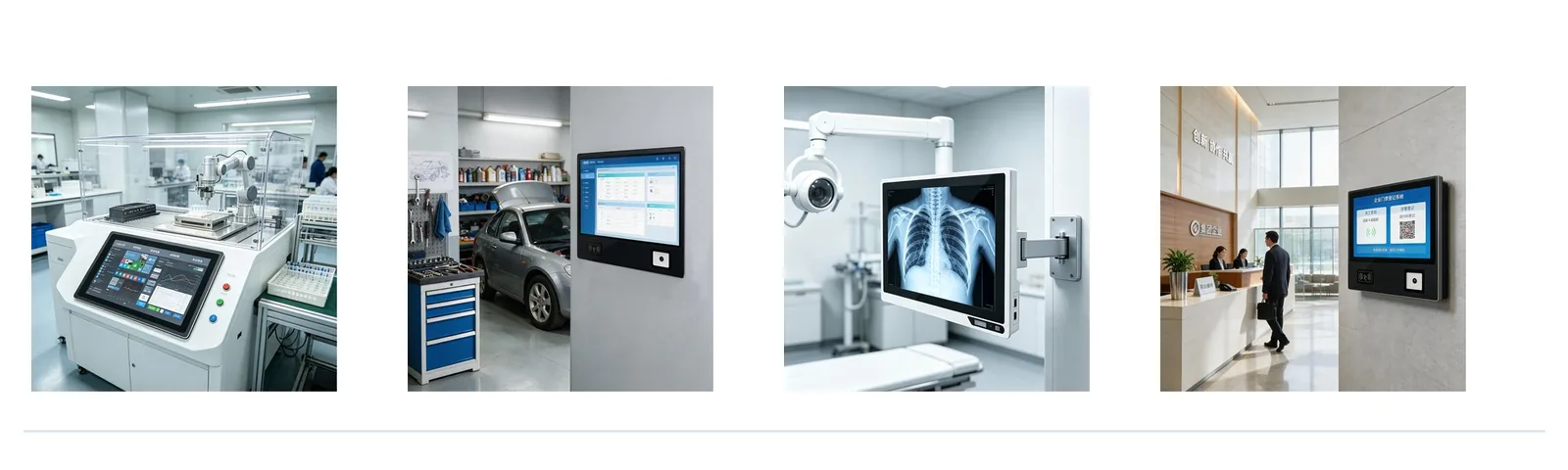
Select the matching display device according to the station environment and interaction requirements

C Series Fully Enclosed Terminal

  • 7-27 inches, suitable for long-running station SOP
  • S Series Sweep Code Induction Terminal
  • Integrated code scanning and induction, suitable for starting and reporting
  • Q Series Front USB Terminal
  • Front switch and interface for easy on-site maintenance
  • S Series Semi-Enclosed Terminal
  • Heat dissipation, interface expansion and installation flexibility
Select the matching display device according to the station environment and interaction requirementsSelect the matching display device according to the station environment and interaction requirements
12 · Implementation Path

Make a line first and then copy it to more stations and production lines.

Sort out production lines, work stations, SOPs, indicators and data sources.

  • On-site research
  • 1-2 weeks
  • Prototyping
  • Complete three types of screen interface prototypes and confirm with simulation data.
  • 2-3 weeks
  • Pilot on-line
  • Access a production line, complete equipment, interface and training.
  • 3-4 weeks
13 · construction value

Let employees make fewer mistakes, let line length respond quickly, and let management see clearly.

Execute more standard

  • SOP steps, parameters and quality requirements are unified to the work station
  • The process is more transparent.
  • Plan, actual, beat and abnormal status visible in real time
  • More timely response
  • Andon exception trace from call to close
  • Management more clearly
  • Unified analysis of order, equipment, quality and efficiency data
  • It is recommended to start with a representative production line and verify the five main processes of SOP release, work order synchronization, production progress, abnormal calls and quality records.
Next step

Share the application and requirements to start defining the right solution.

Back to solutions